
Connectors
Connect what you already use
PostgreSQL, MySQL, MongoDB, ClickHouse, Redis, Amazon DynamoDB, and more, plus hosted providers like Supabase, Neon, Turso, and PlanetScale. Bring your databases and start querying.













Everything you need to manage your data
DB Pro combines powerful features with an intuitive interface to make database work a pleasure.
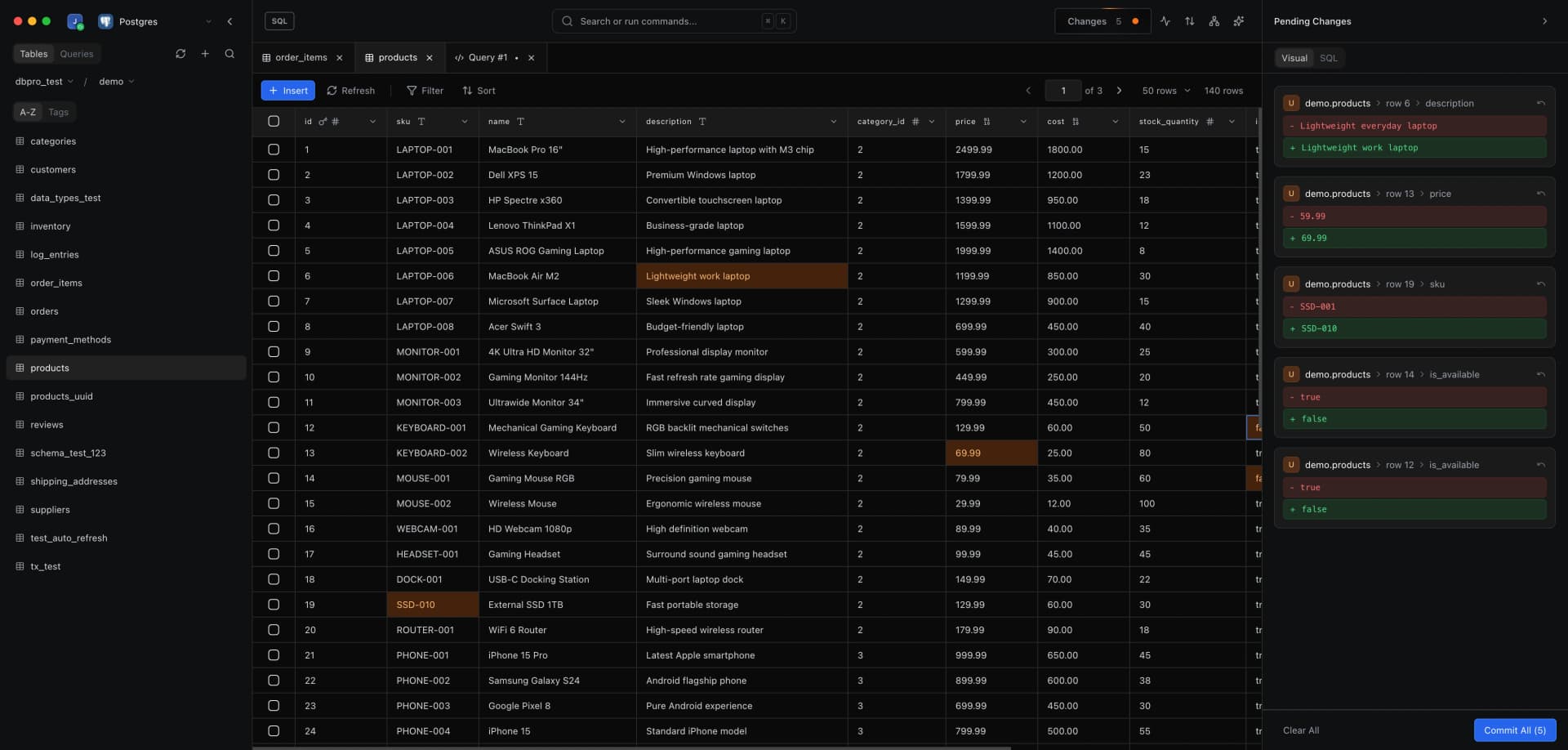
Data Browser
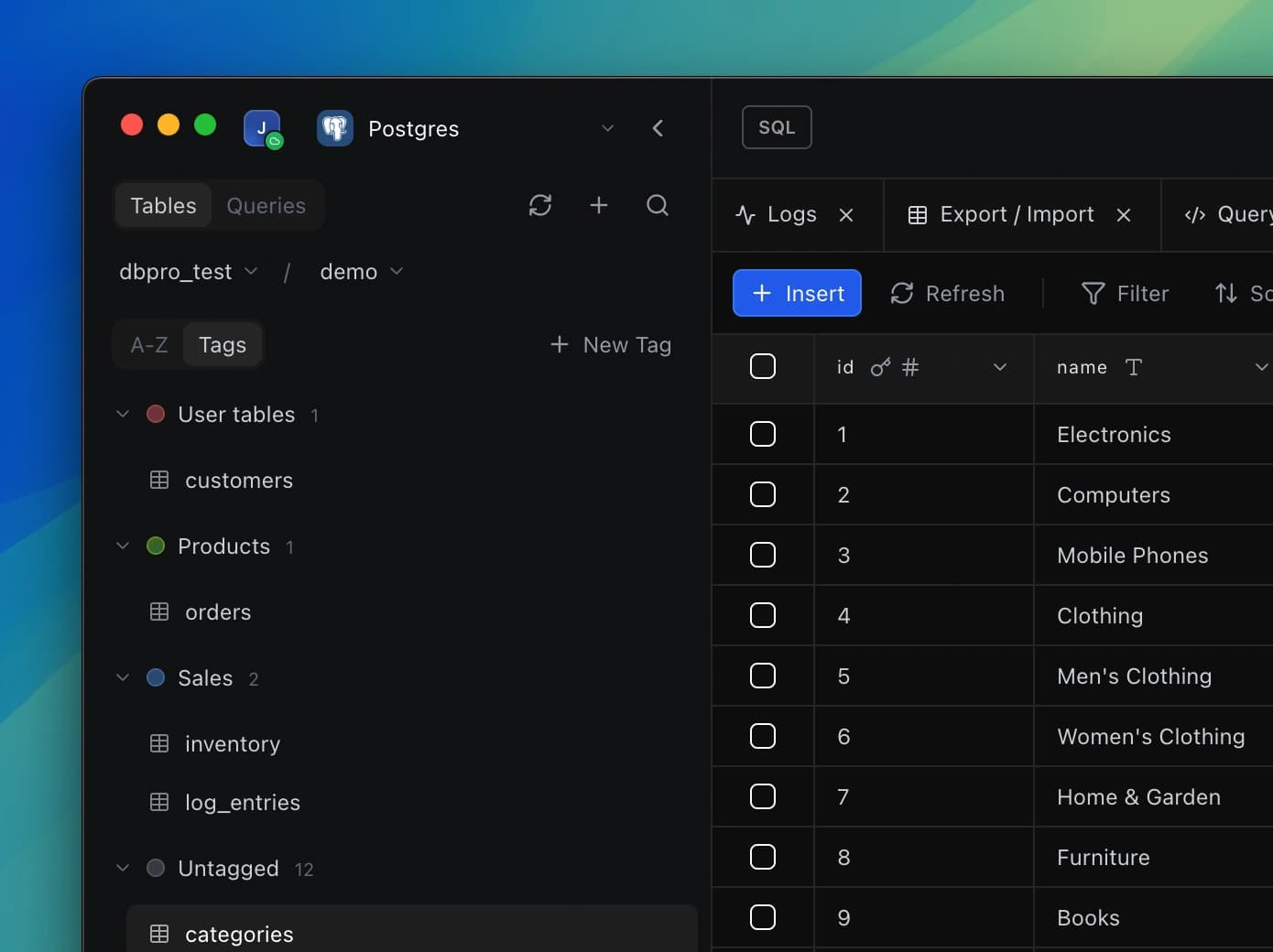
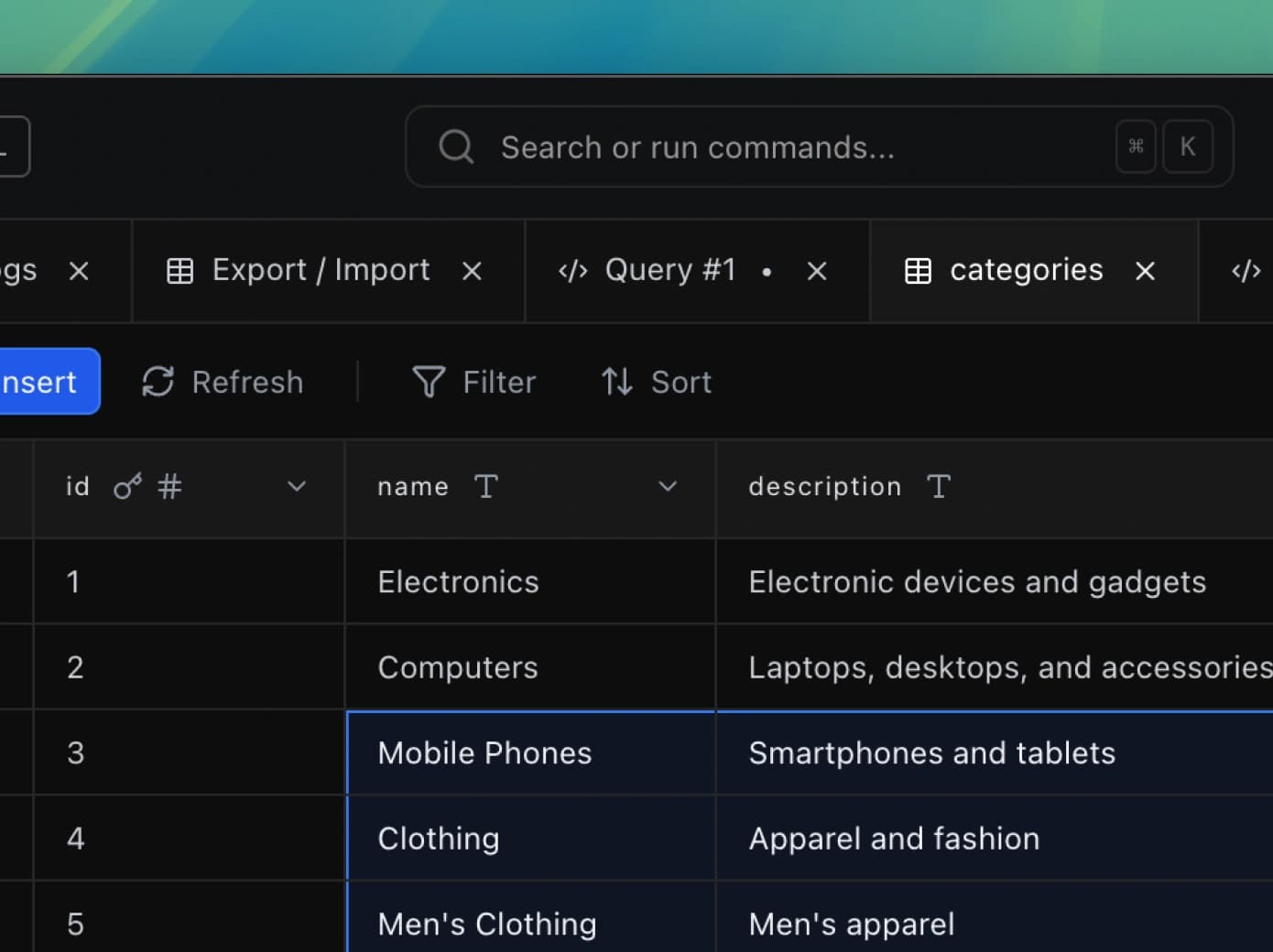
Browse, filter, and edit your data with ease. DB Pro's powerful grid lets you navigate millions of rows, apply filters, sort columns, and make inline edits—all in a fast, responsive interface.
Explore feature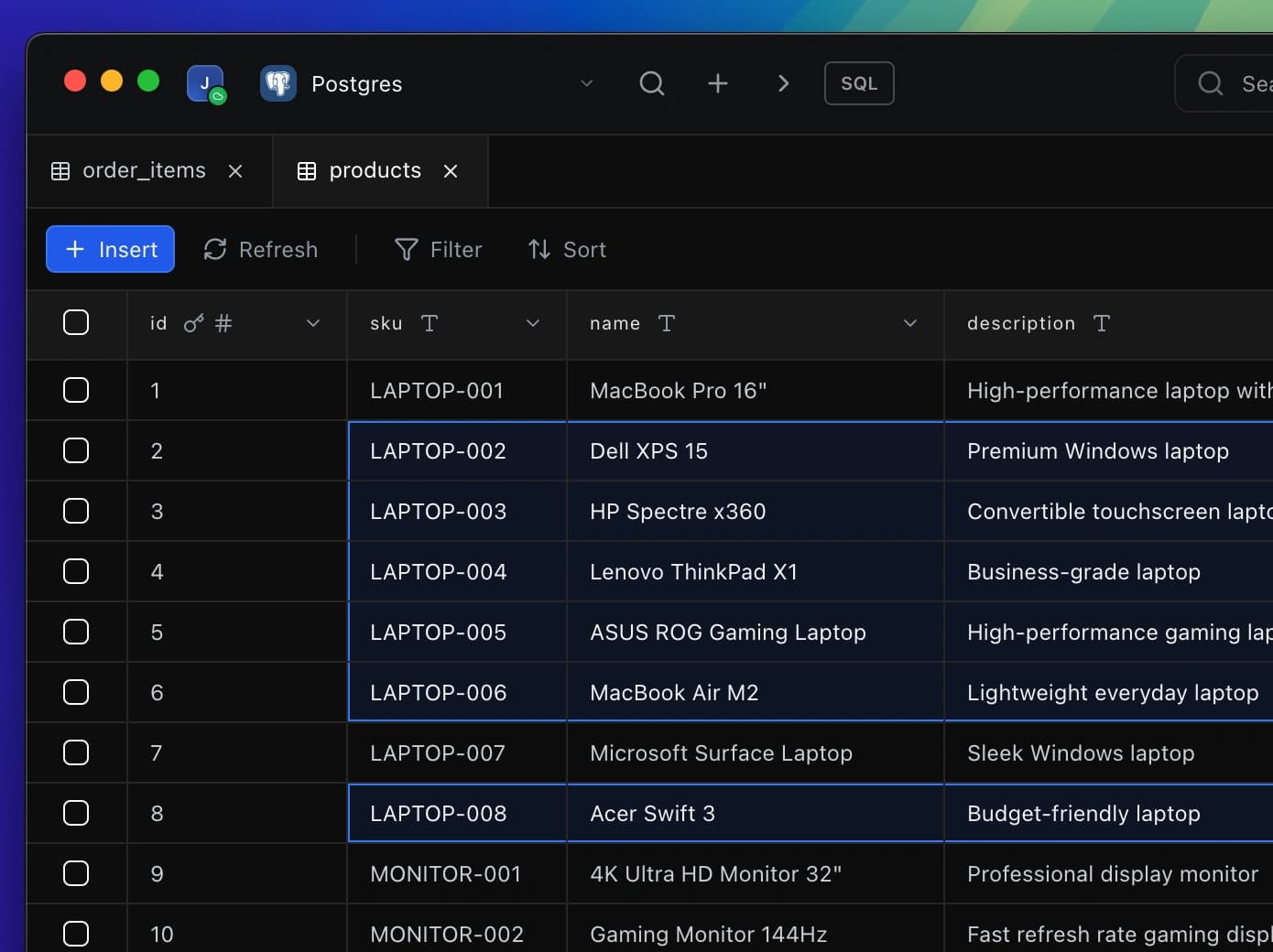
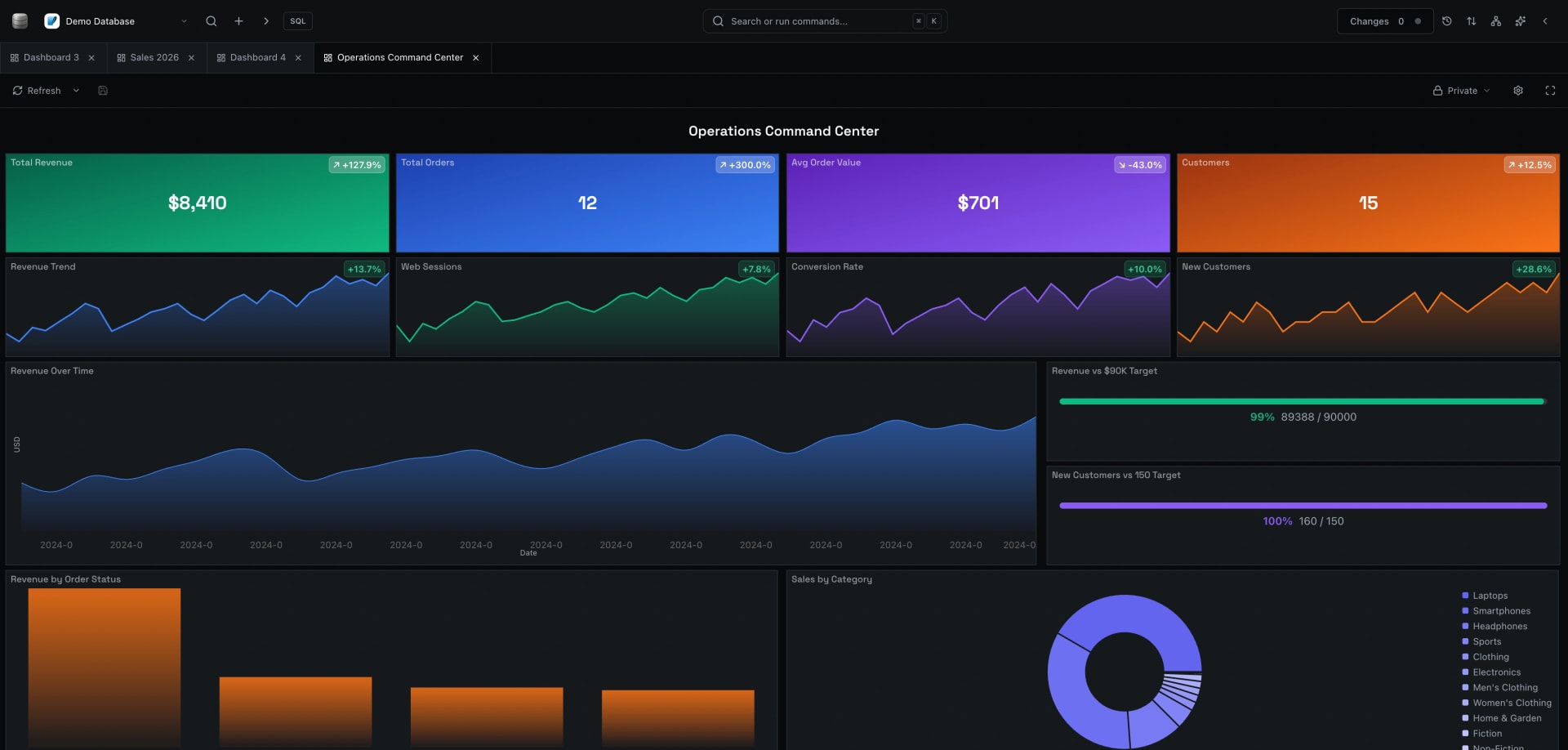
Dashboards
Build custom dashboards to visualize your database data. Create charts, track metrics, and share insights with your team or publicly, all from a single workspace.
Explore feature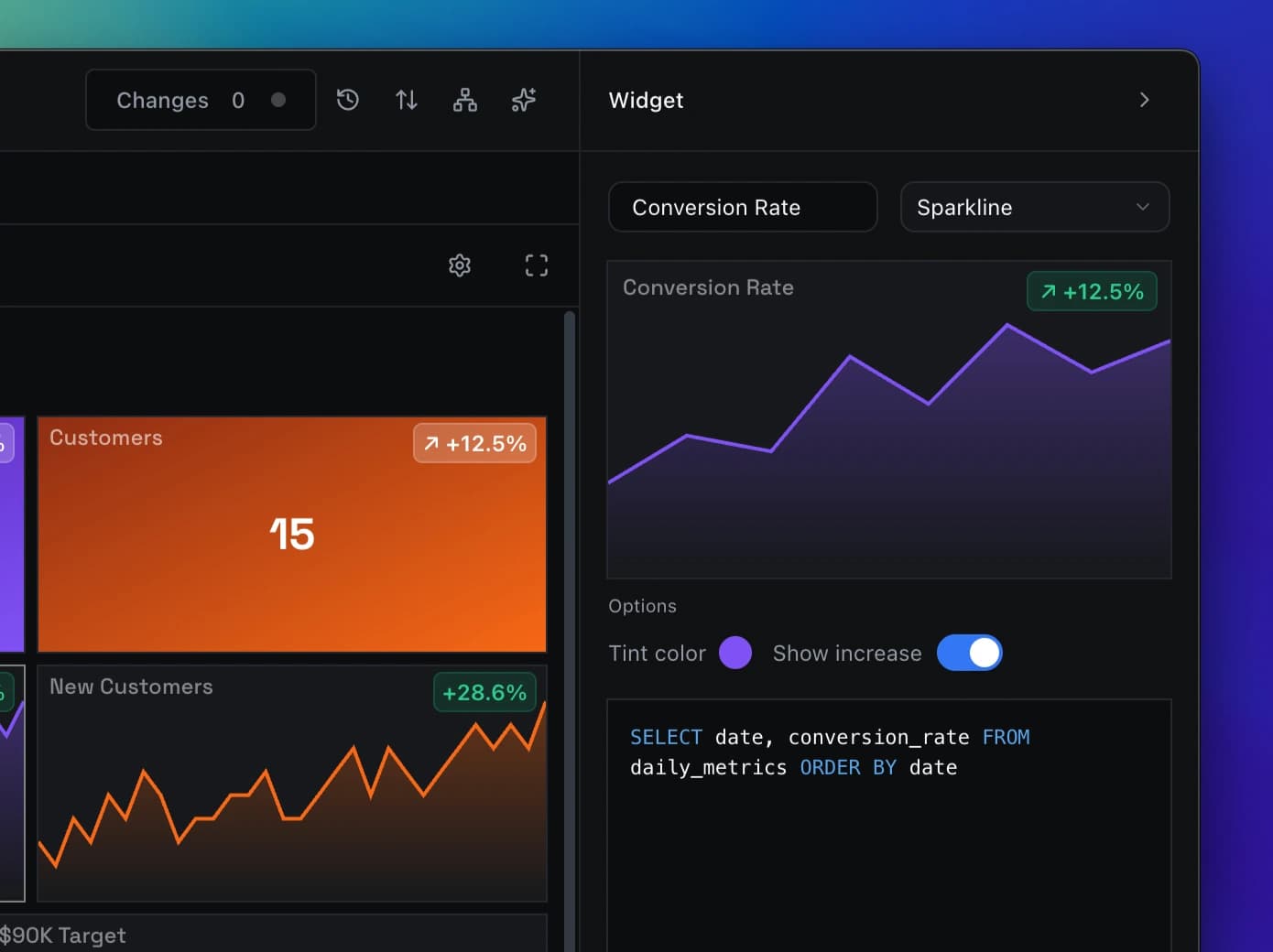
Inspector
Examine any record in detail. The Inspector panel shows all fields, relationships, and metadata for the selected row, making it easy to understand and work with complex data structures.
Explore feature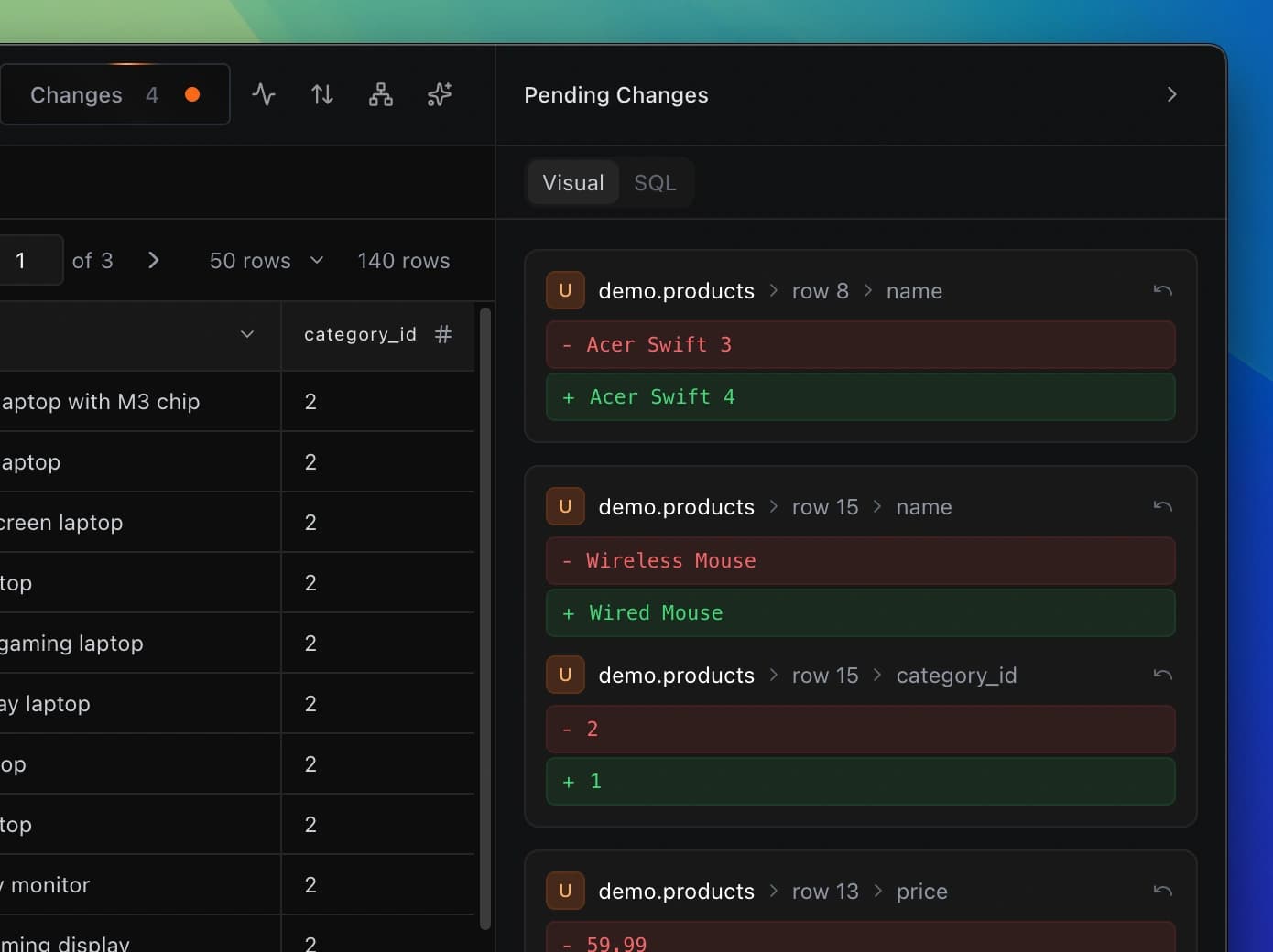
SQL Editor
Drop into SQL whenever you need full control. Run custom queries, test ideas, and explore your data with a clean, high-performance editor built from the ground-up.
Explore feature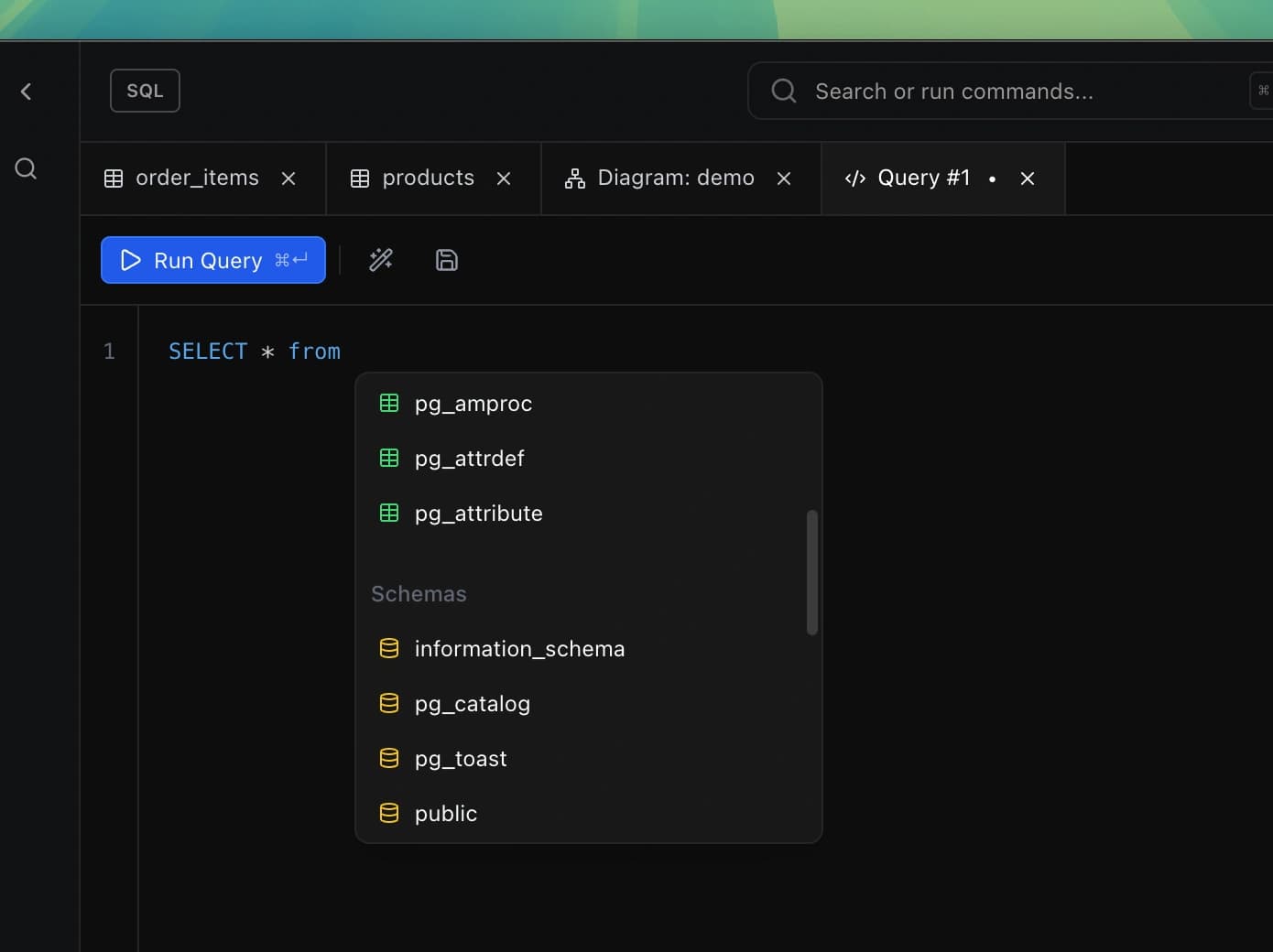
Visual Schema Explorer
Navigate your entire database visually. See tables, relationships, and structure in an interactive map that makes even the largest schemas easy to understand.
Explore feature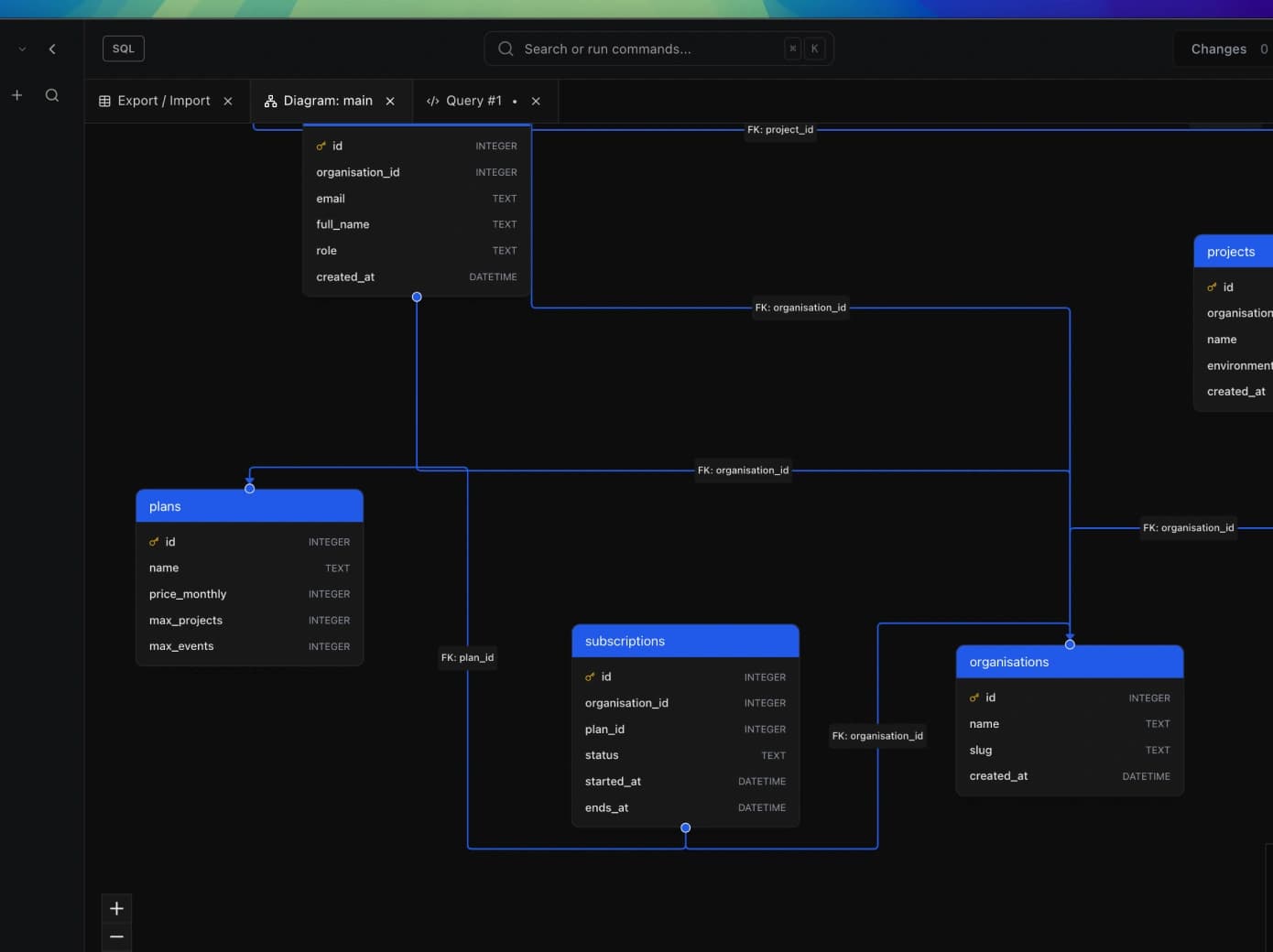
Import / Export
Move data in and out effortlessly. Import from CSV, JSON, and more. Export query results or entire tables in multiple formats with just a few clicks.
Explore feature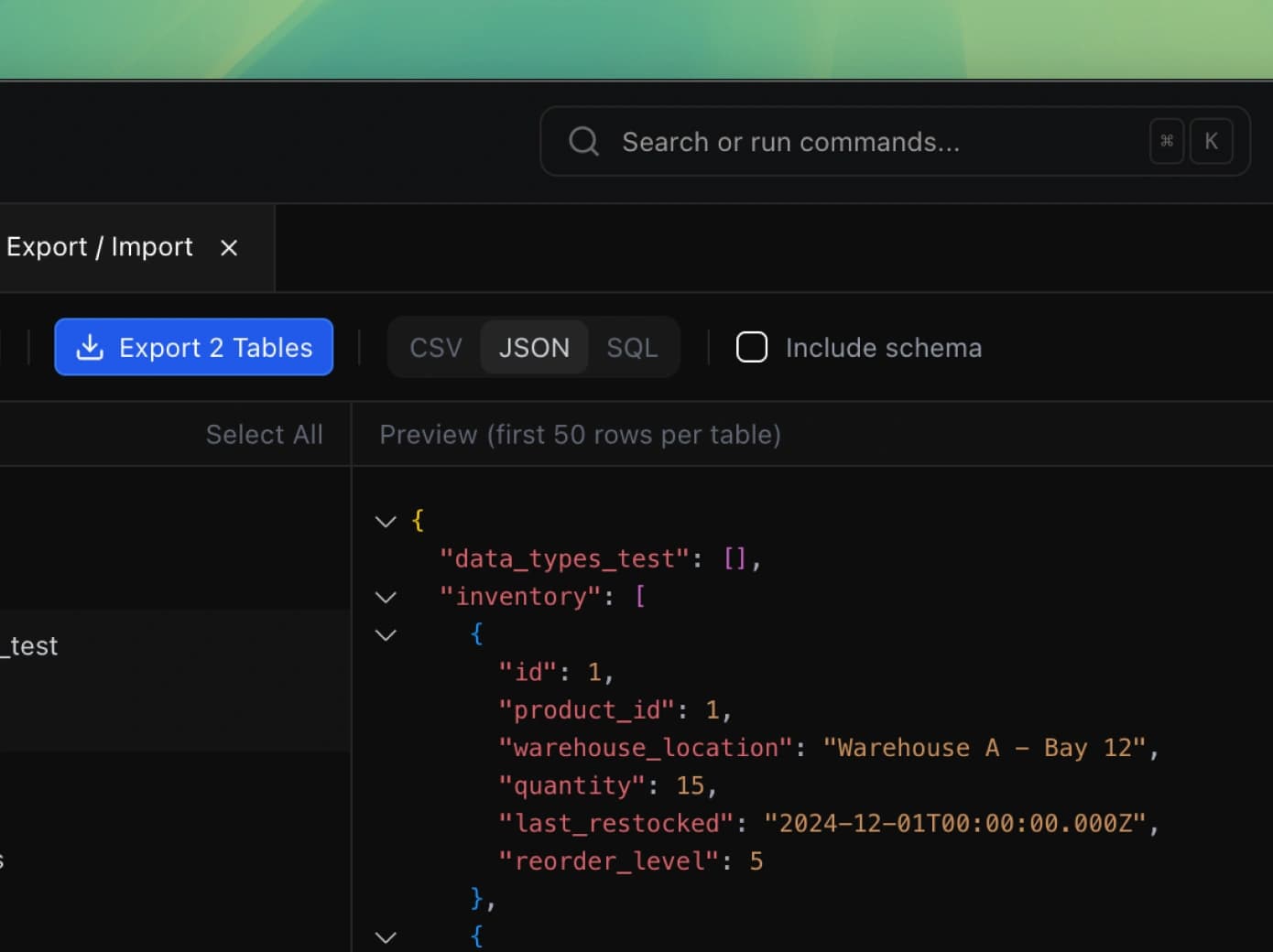
Query History
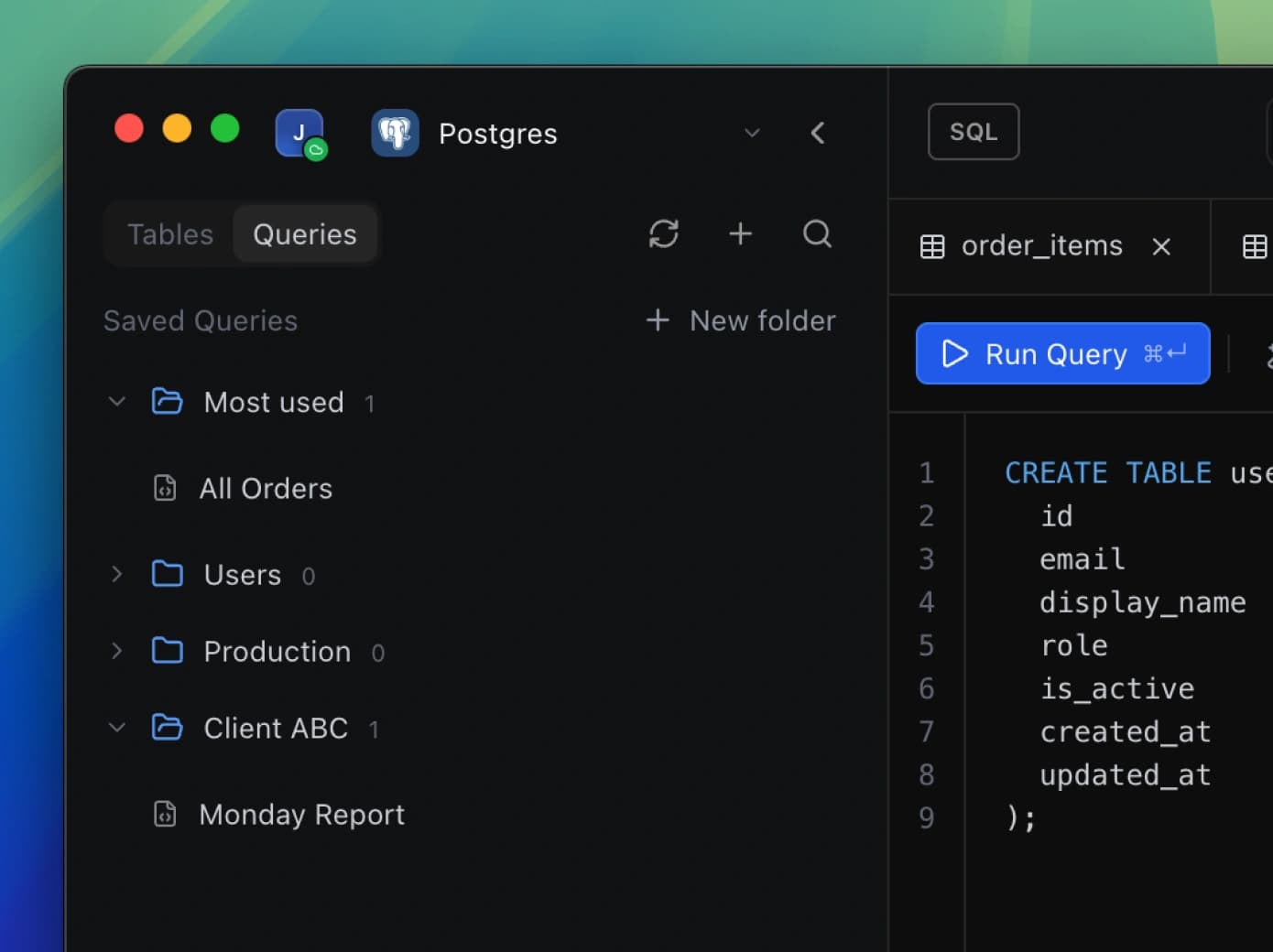
Every query, saved automatically. Browse your complete history of executed queries, re-run previous commands, and never lose that complex query you wrote last week.
Explore feature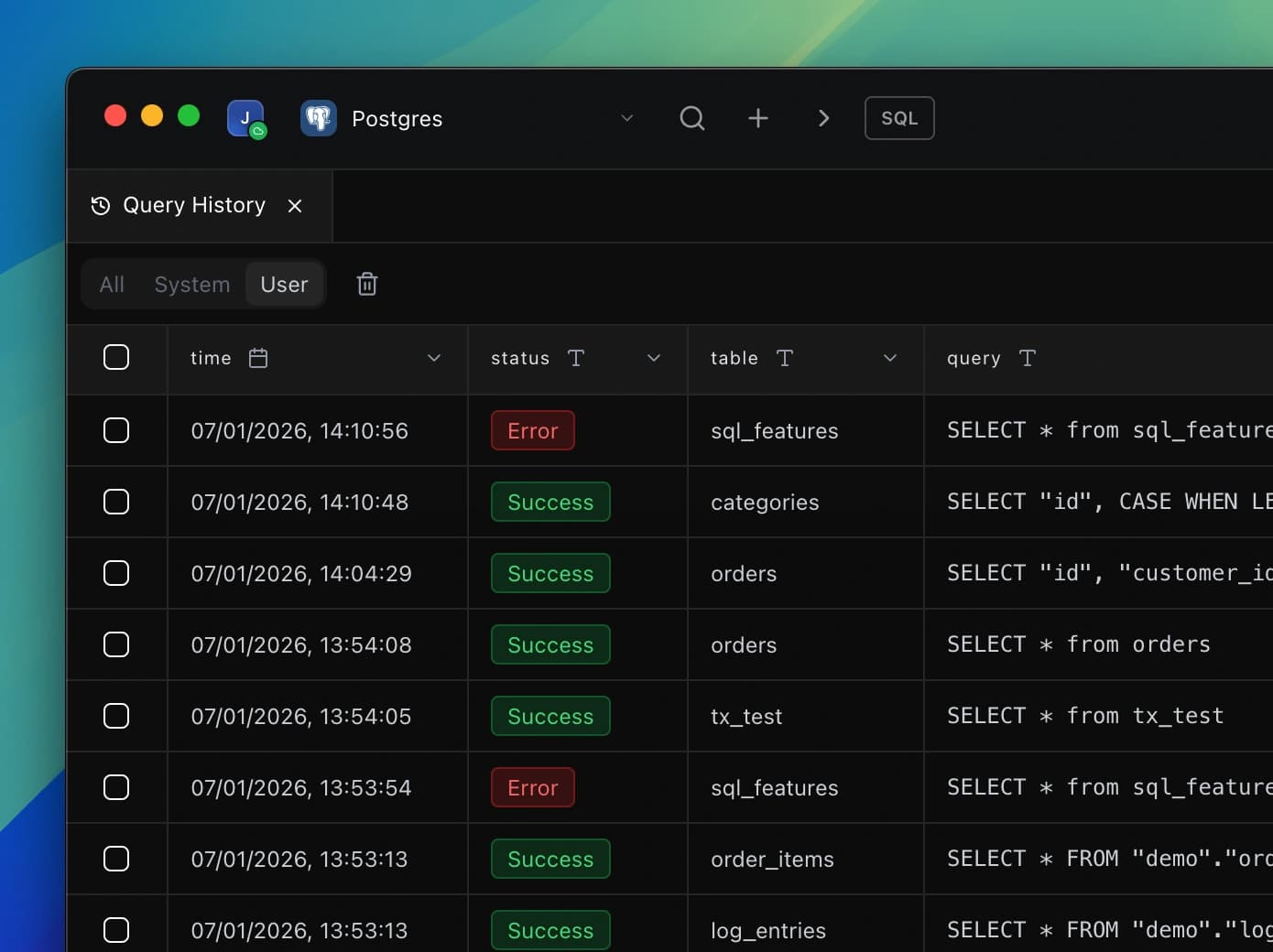
AI
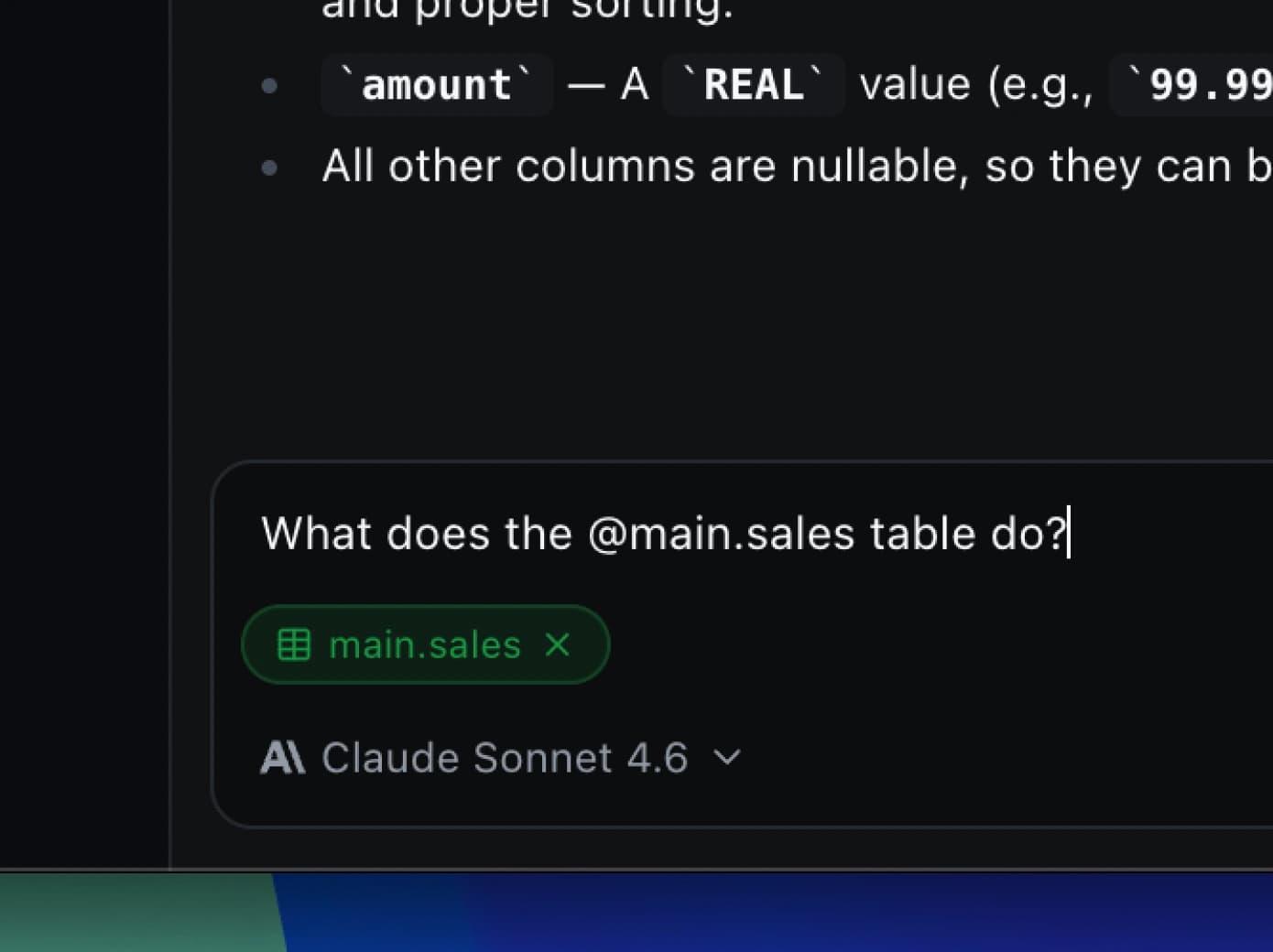
Write queries, generate dashboards, and understand your tables using natural language. DB Pro's built-in AI knows your database structure and helps you work faster. Completely optional, always under your control.
Explore featureWorks with
DB Pro, for the Web
The self-hosted, browser-based version of DB Pro. Give your whole team a shared database workspace that runs on your own infrastructure, with shared connections, queries, and dashboards.
Self-hosted
One Docker command on your own servers.
Team collaboration
Shared connections, queries, and access control.
Runs in the browser
No installs for your team. Works anywhere.
Your data stays put
Host your workspace on your own infrastructure.
Works in every modern browser
Product Roadmap
We're on a mission to build the best database desktop app around. Track our progress and see what's coming next #BuildInPublic
Choose Your Plan
Start free. Upgrade when you need more.
Free
Essential features for getting started
- 2 connections2 connections
- 5 saved queries5 saved queries
- 2 dashboards2 dashboards
- 3 open tabs3 open tabs
- 2 table tags2 table tags
- View and edit data
- 1 device limit1 device limit
- Community support
- All platforms
One-Time Licence
NAEWMCU9- 1 year of updates included1 year of updates included
- Unlimited connectionsUnlimited connections
- Unlimited saved queriesUnlimited saved queries
- Unlimited dashboardsUnlimited dashboards
- Unlimited tabsUnlimited tabs
- Unlimited table tagsUnlimited table tags
- Unlimited exportsUnlimited exports
- 2 device limit2 device limit
- Dedicated supportDedicated support
- All platforms
Monthly
3HW2LR43- Always receive updatesAlways receive updates
- Unlimited connectionsUnlimited connections
- Unlimited saved queriesUnlimited saved queries
- Unlimited dashboardsUnlimited dashboards
- Unlimited tabsUnlimited tabs
- Unlimited table tagsUnlimited table tags
- Unlimited exportsUnlimited exports
- 2 device limit2 device limit
- Dedicated supportDedicated support
- All platforms
Start with the free plan today. No credit card required.
Students get a discount. Email info@dbpro.app from your student address to claim yours.
Frequently Asked Questions
Got questions? We’ve got answers.
DB Pro supports PostgreSQL, MySQL, MariaDB, SQLite, Microsoft SQL Server, ClickHouse, MongoDB, Redis, and Amazon DynamoDB, plus hosted providers including Supabase, Neon, Turso, and PlanetScale.
All database connections are handled securely with encryption, and your credentials are stored locally on your device.