Power Features
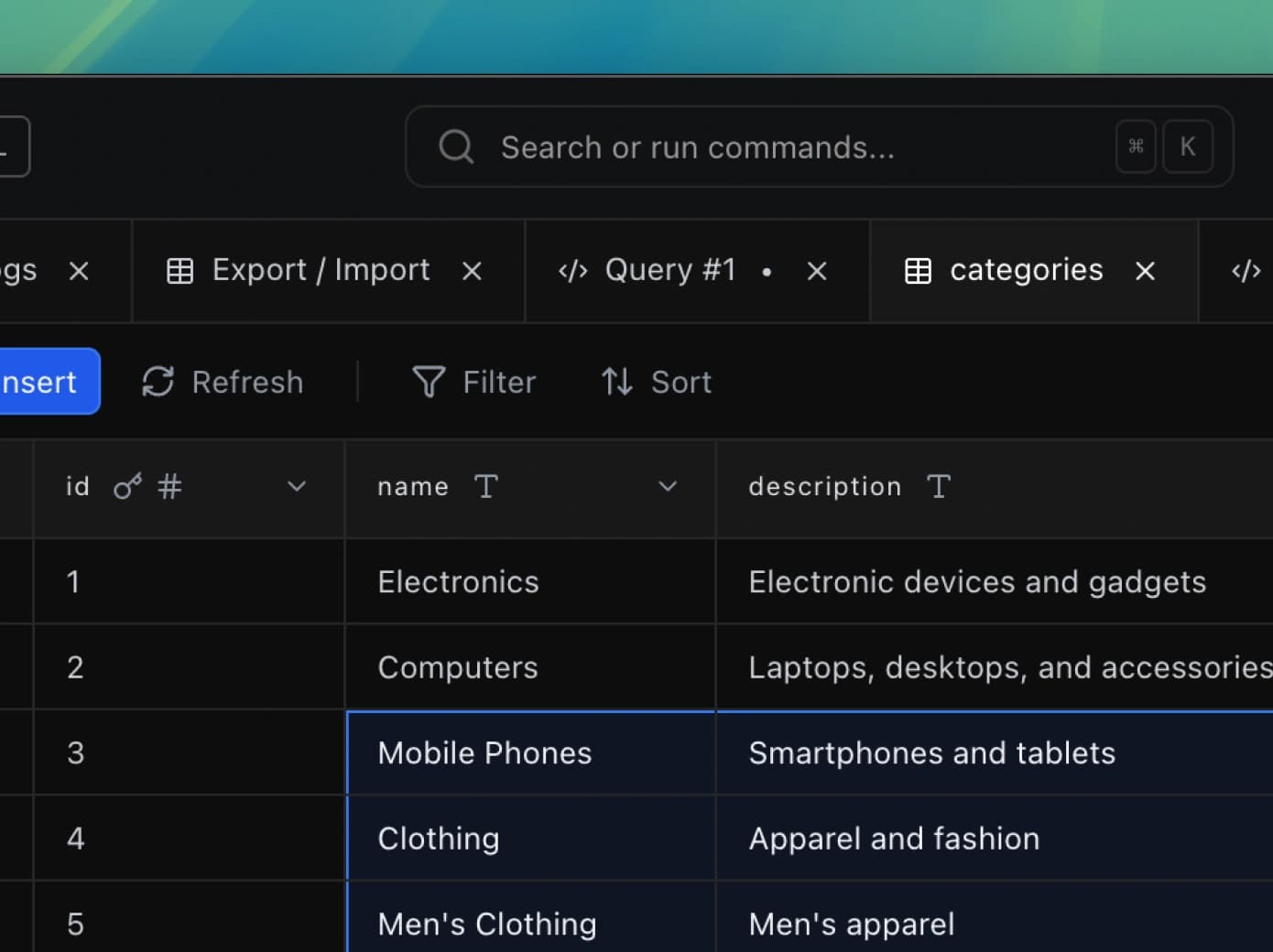
Supercharge your workflow with advanced features. Save queries, organize tables with tags, navigate with the global action bar, connect securely via SSH, and work across multiple tabs.
Saved Queries
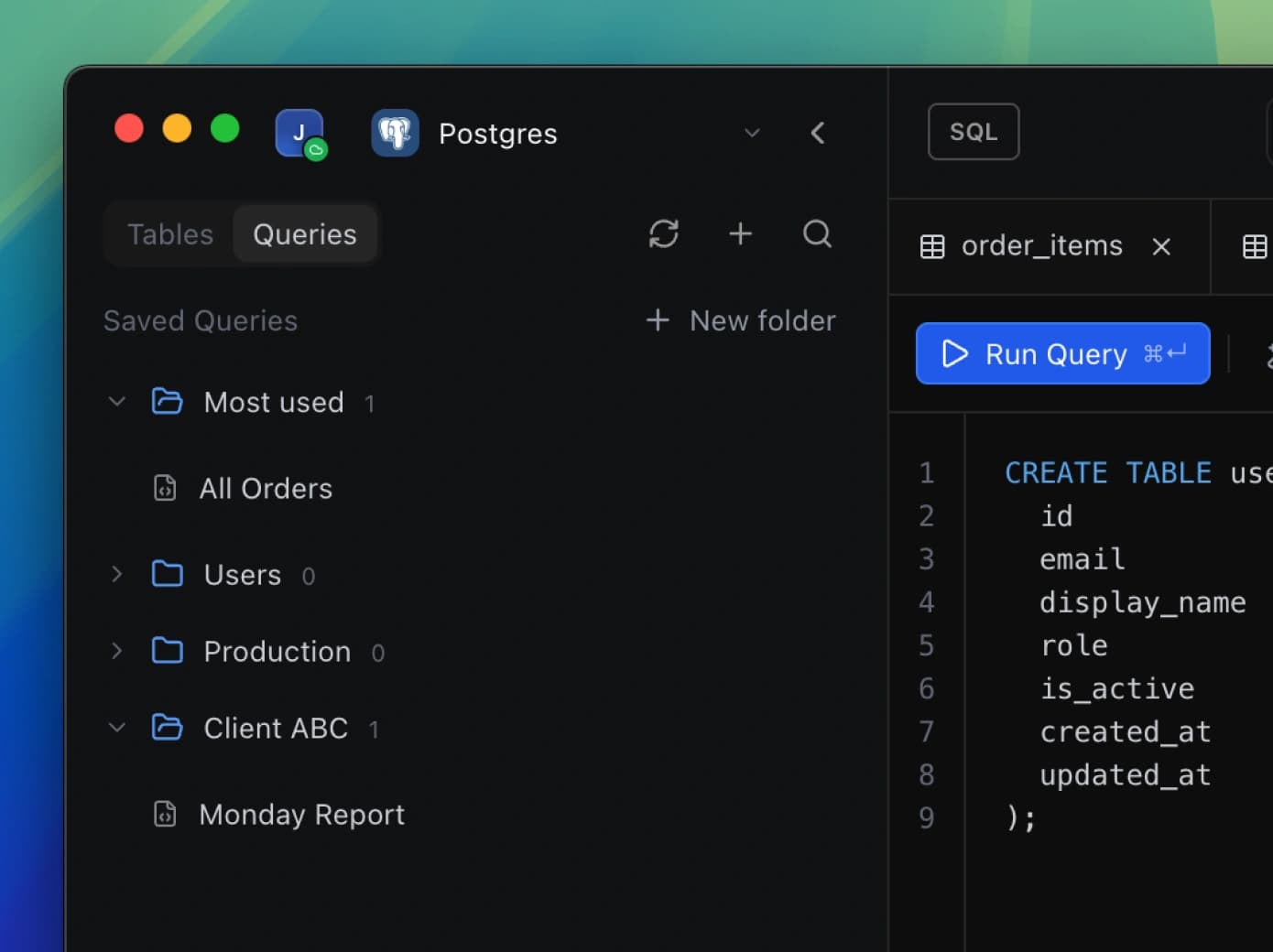
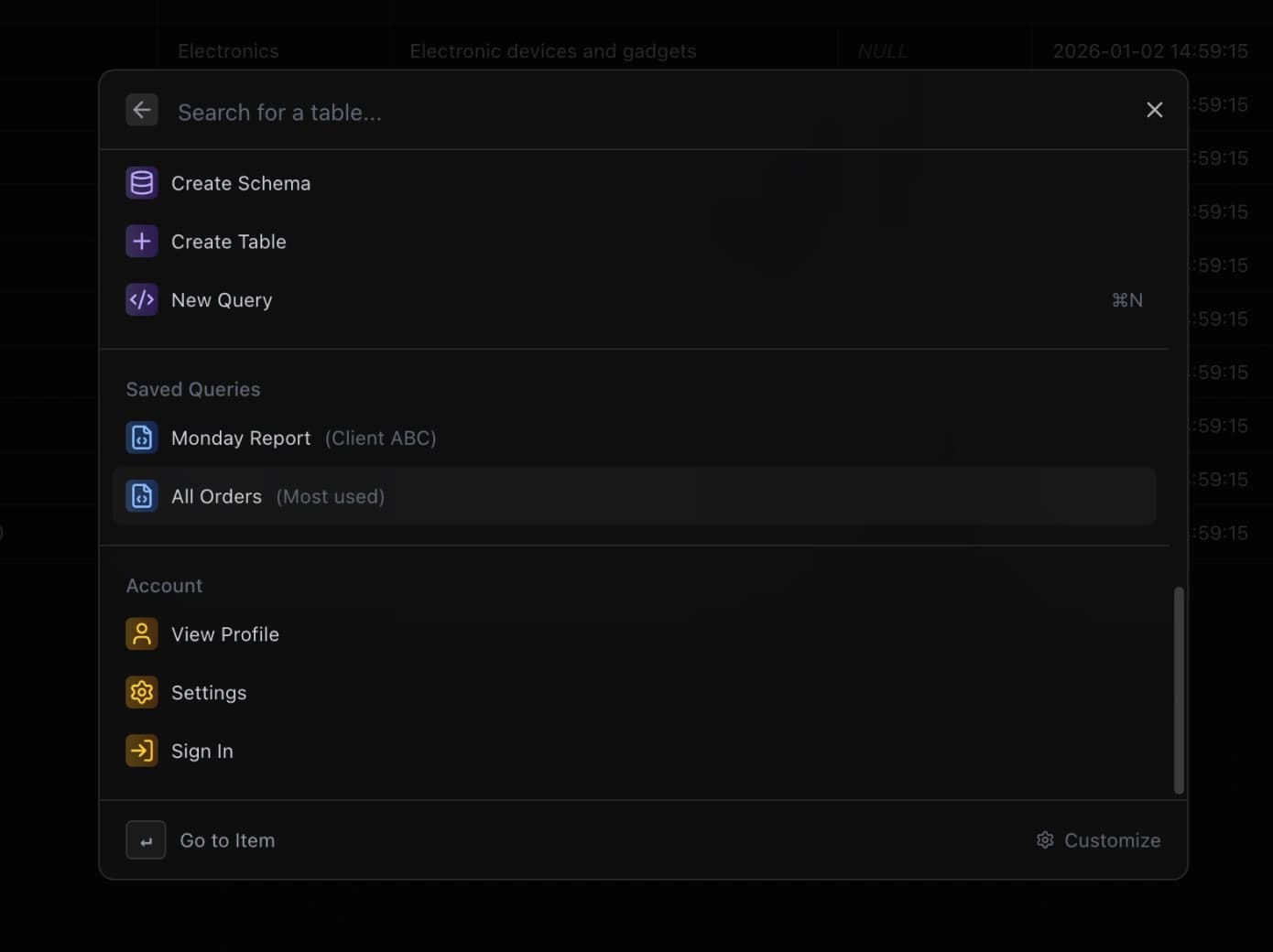
Save your most-used queries for instant access. Organize them with names and descriptions, and find what you need fast. Stop rewriting the same queries over and over.
Table Tags
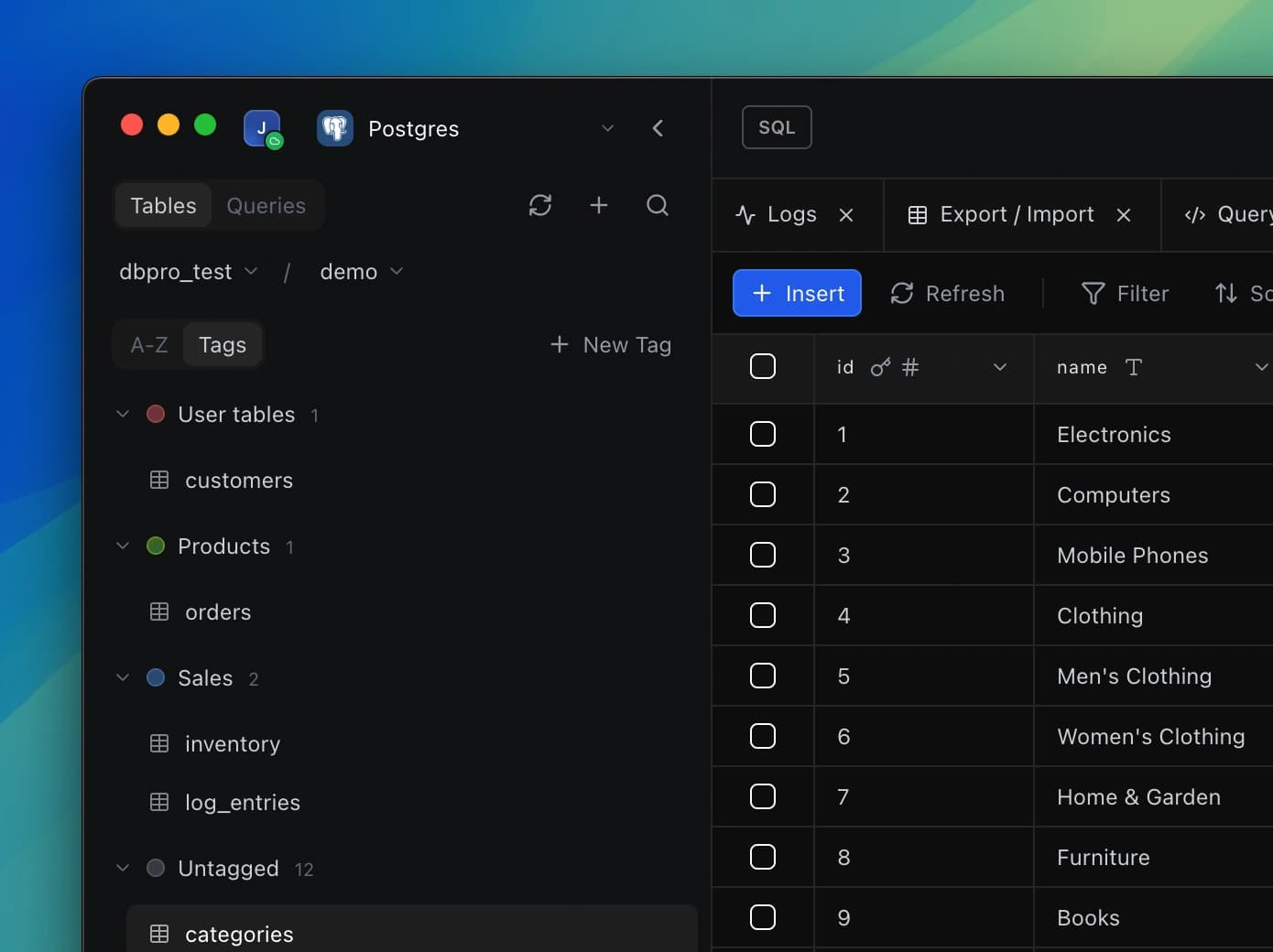
Organize your tables your way. Add custom tags like 'production', 'analytics', or 'deprecated' without touching your actual schema. Filter and find tables instantly.
Global Action Bar
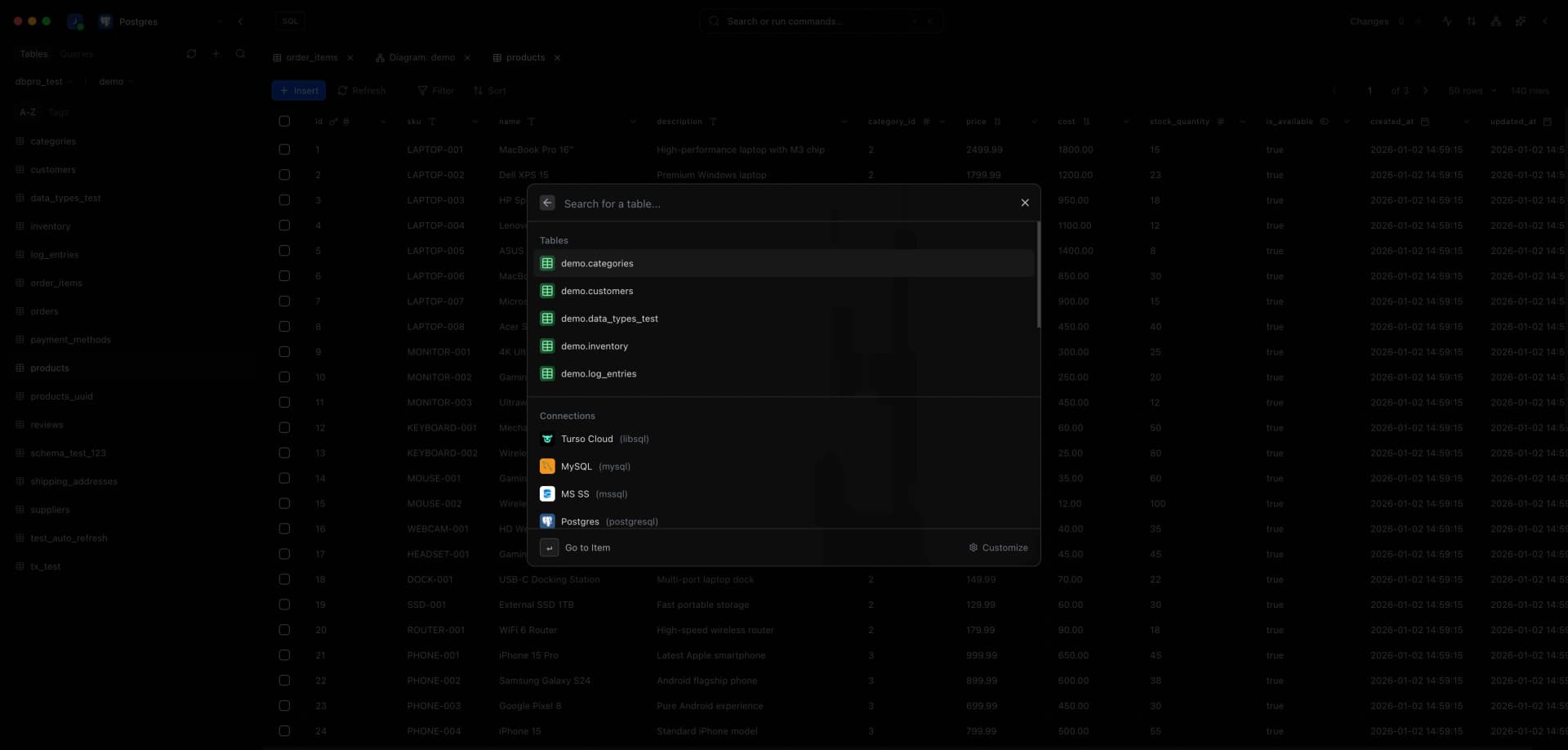
Navigate anywhere instantly with a keyboard shortcut. Jump to tables, run saved queries, switch connections, or access any feature. Your entire workspace is just a keystroke away.
SSH Tunnels
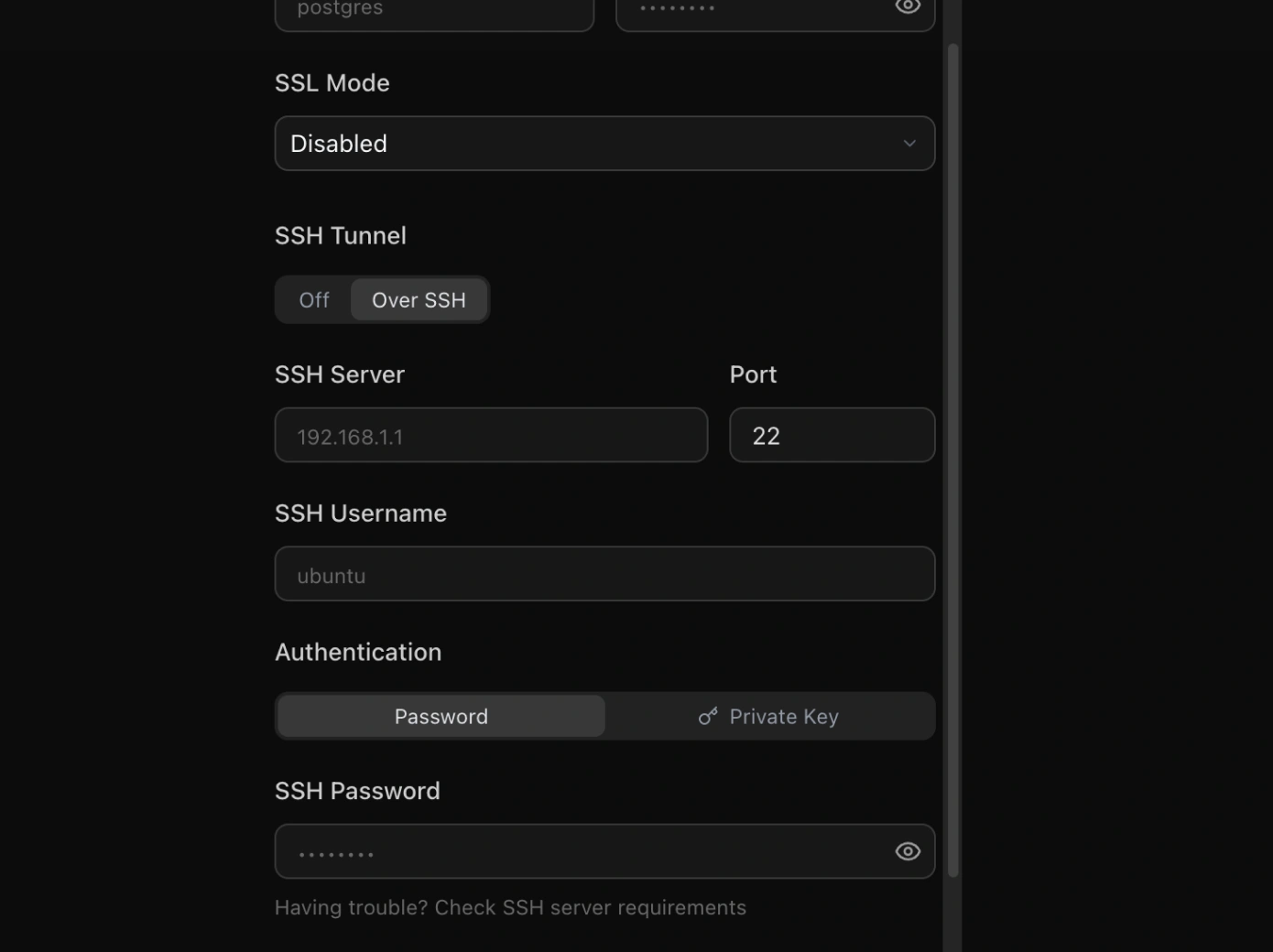
Connect securely to databases behind firewalls. DB Pro handles SSH tunnel setup automatically — just provide your credentials and connect as if the database was local.
Multi-Tab Workflow
Work across multiple queries, tables, and connections simultaneously. Each tab maintains its own state, so you can switch contexts without losing your place.