
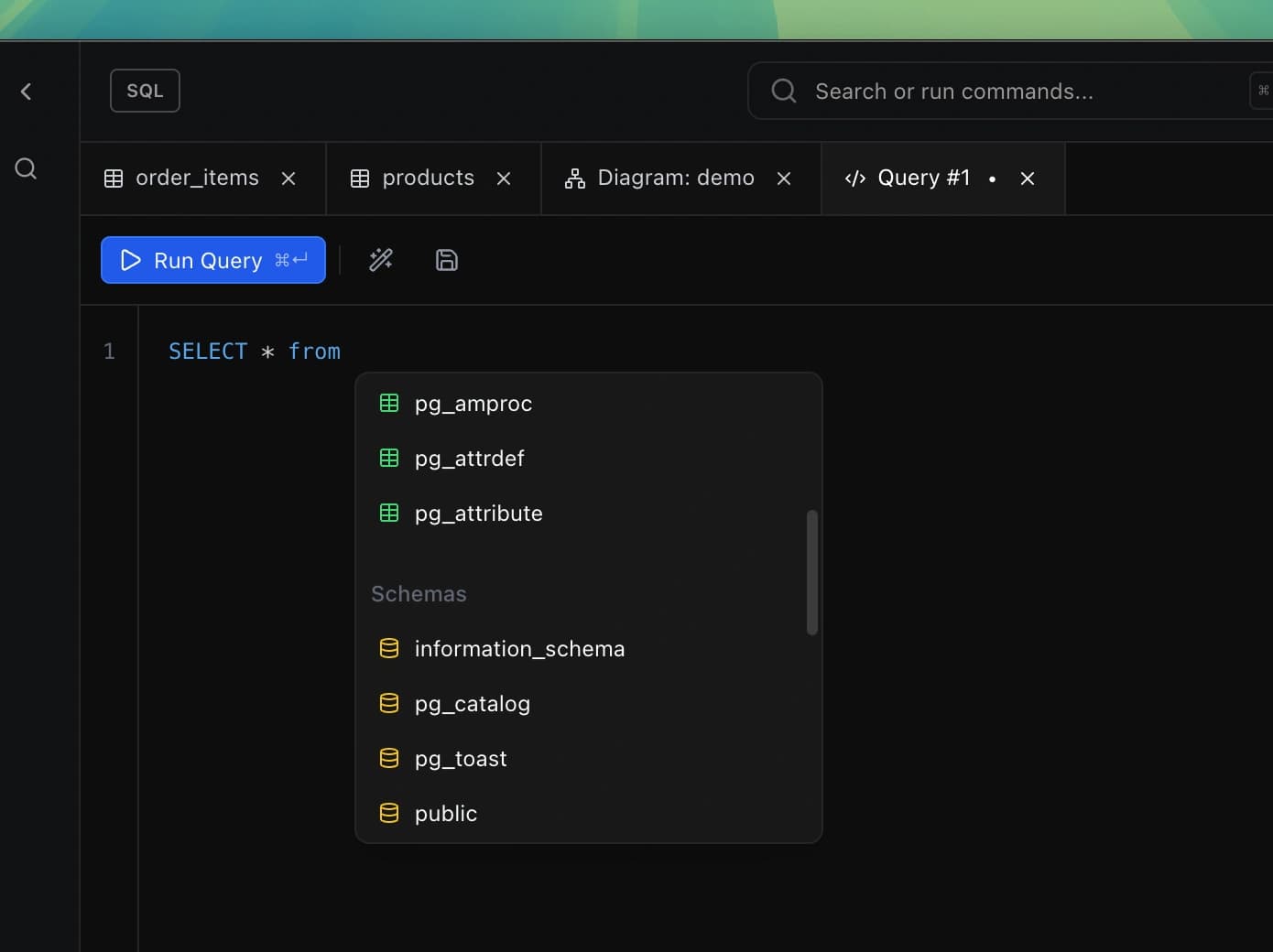
Powerful Autocomplete
Get smart suggestions as you type. DB Pro knows your schema — tables, columns, and aliases appear automatically, speeding up query writing and reducing typos.
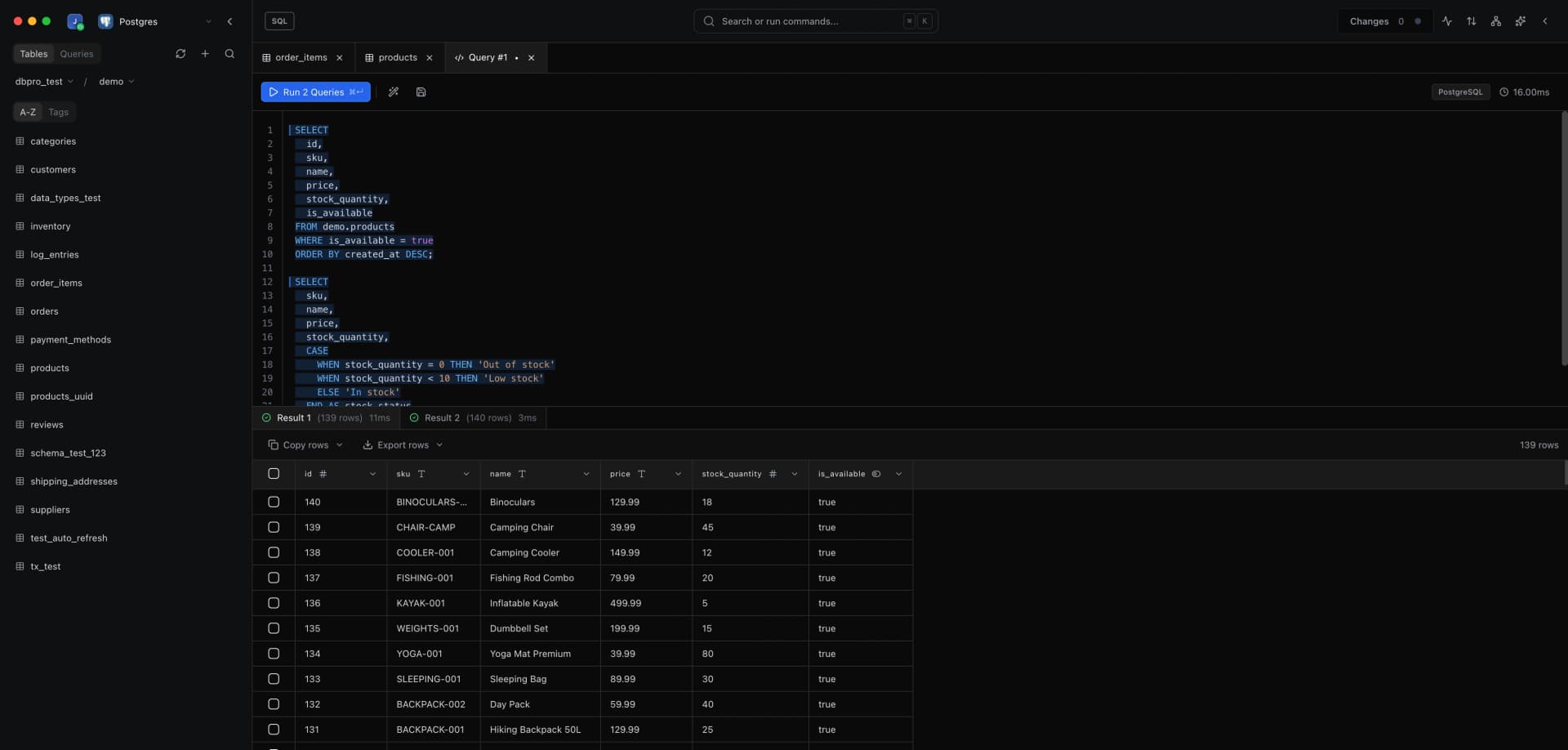
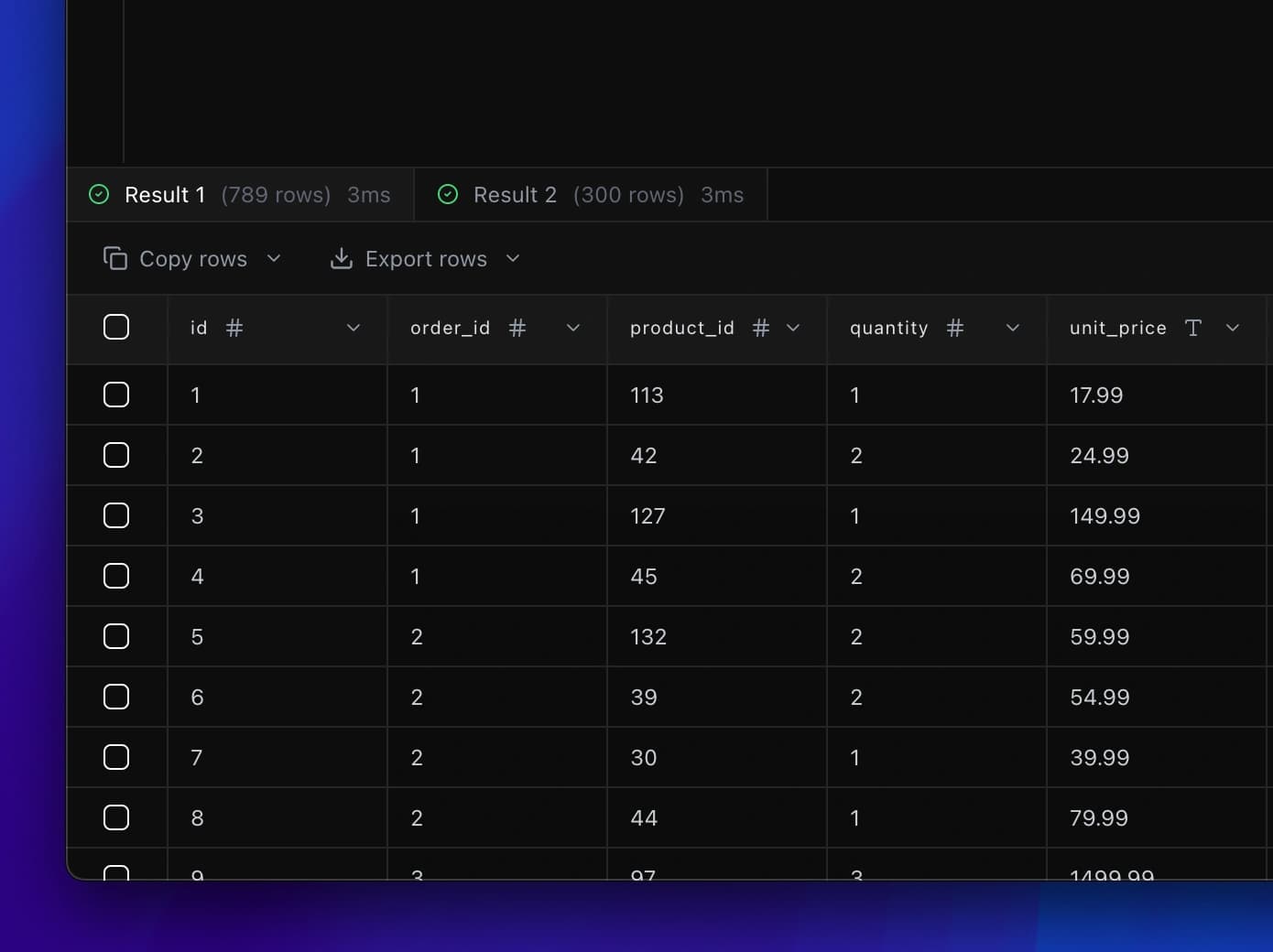
Multiple Query Results
Run multiple queries and see each result in its own tab. Switch between results effortlessly, compare outputs, and keep your workflow organized without losing context.
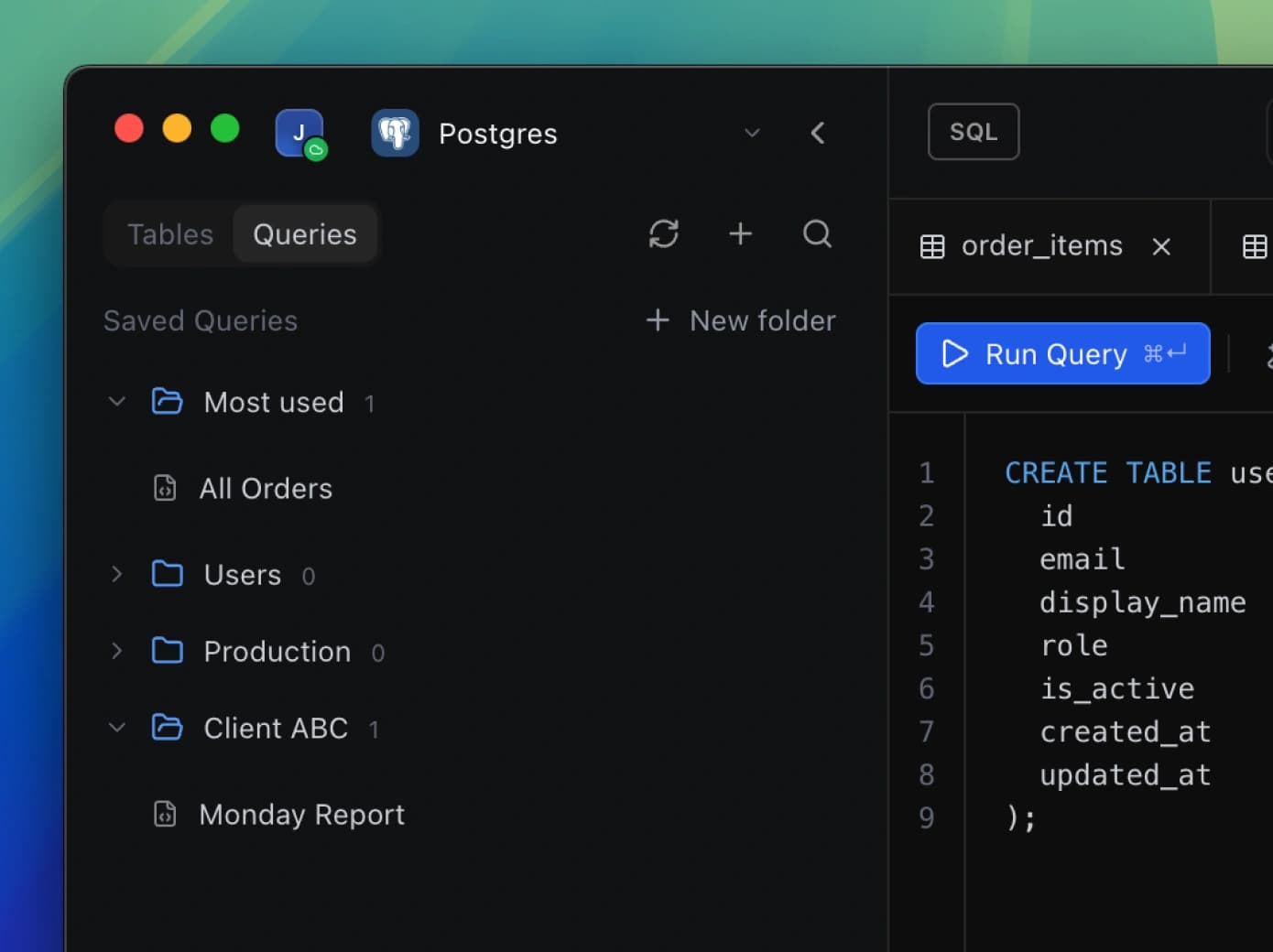
Save Queries
Save frequently used queries for instant access. Organize them with labels, add descriptions, and find what you need fast. Never write the same query twice.
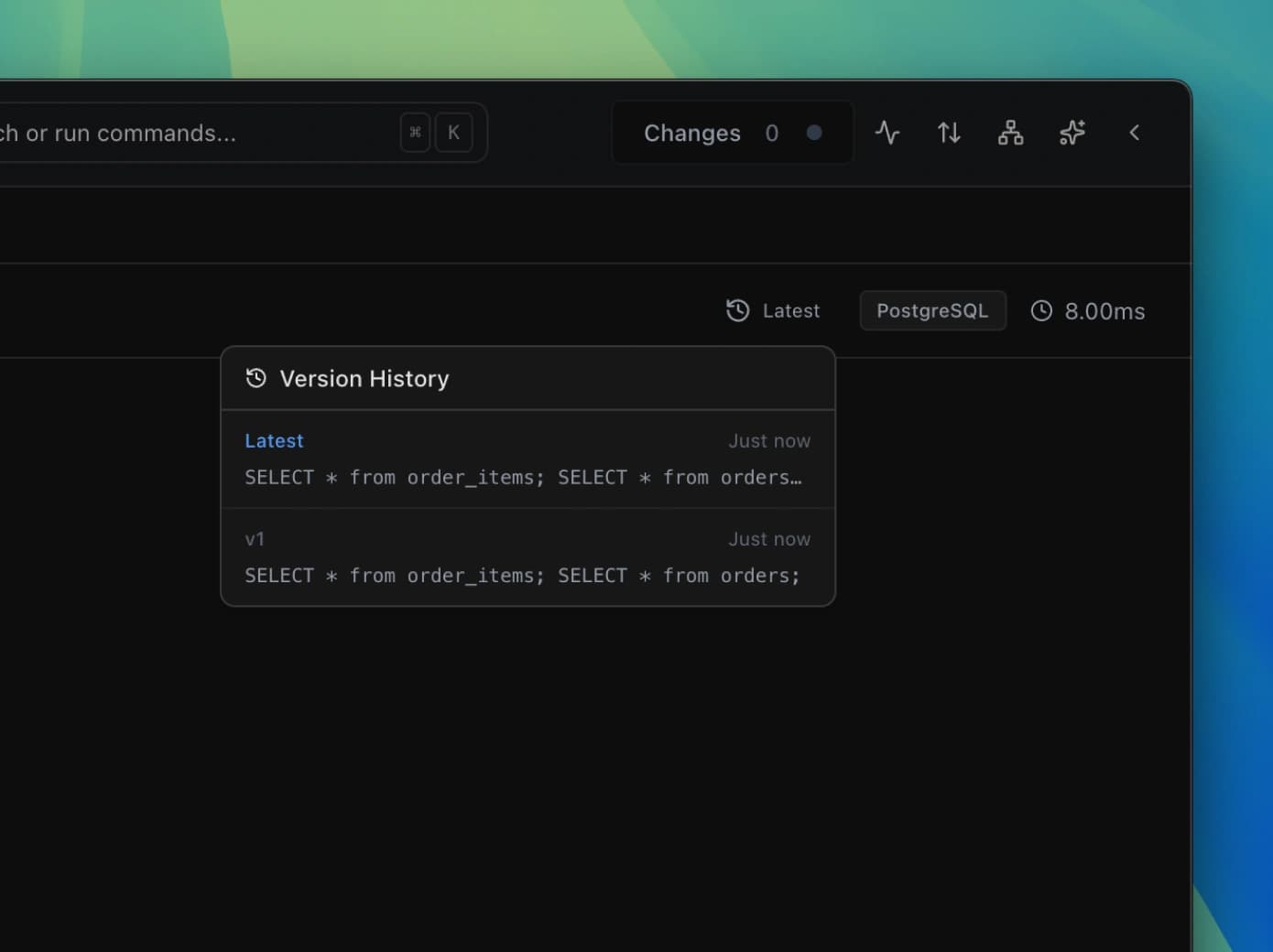
Query Version History
Track changes to your queries over time. See previous versions, compare differences, and restore old versions with a single click. Never lose work again.
Ready to supercharge your SQL workflow?
Download DB Pro today and experience a SQL editor that just works. Free to get started, with Pro features available when you need them.