The Best MongoDB GUI Client for
Windows, macOS and Linux
DB Pro is a powerful MongoDB client for managing your document databases. Connect to local or remote instances, run queries, explore your collections, and edit documents with an intuitive GUI built for developers who demand speed and reliability.
Why Choose DB Pro as Your MongoDB Client?
Full Document Database Support
DB Pro supports all MongoDB features you rely on, including BSON data types, nested documents, arrays, and complex queries. Work with your documents exactly as MongoDB intended.
A Modern Alternative to Compass
Looking for a MongoDB Compass alternative? DB Pro offers a clean, modern experience that makes document management a pleasure. No more fighting with slow, resource-heavy tools.
Secure Connections
Connect securely with full SSL/TLS support and MongoDB authentication. SSH tunnels for remote databases. Your credentials are stored safely in your system keychain.
Cross-Platform
Available on macOS, Windows, and Linux. One license, all your machines. Your workflow, wherever you work.
Everything you need to manage your data
DB Pro combines powerful features with an intuitive interface to make database work a pleasure.
Data Browser
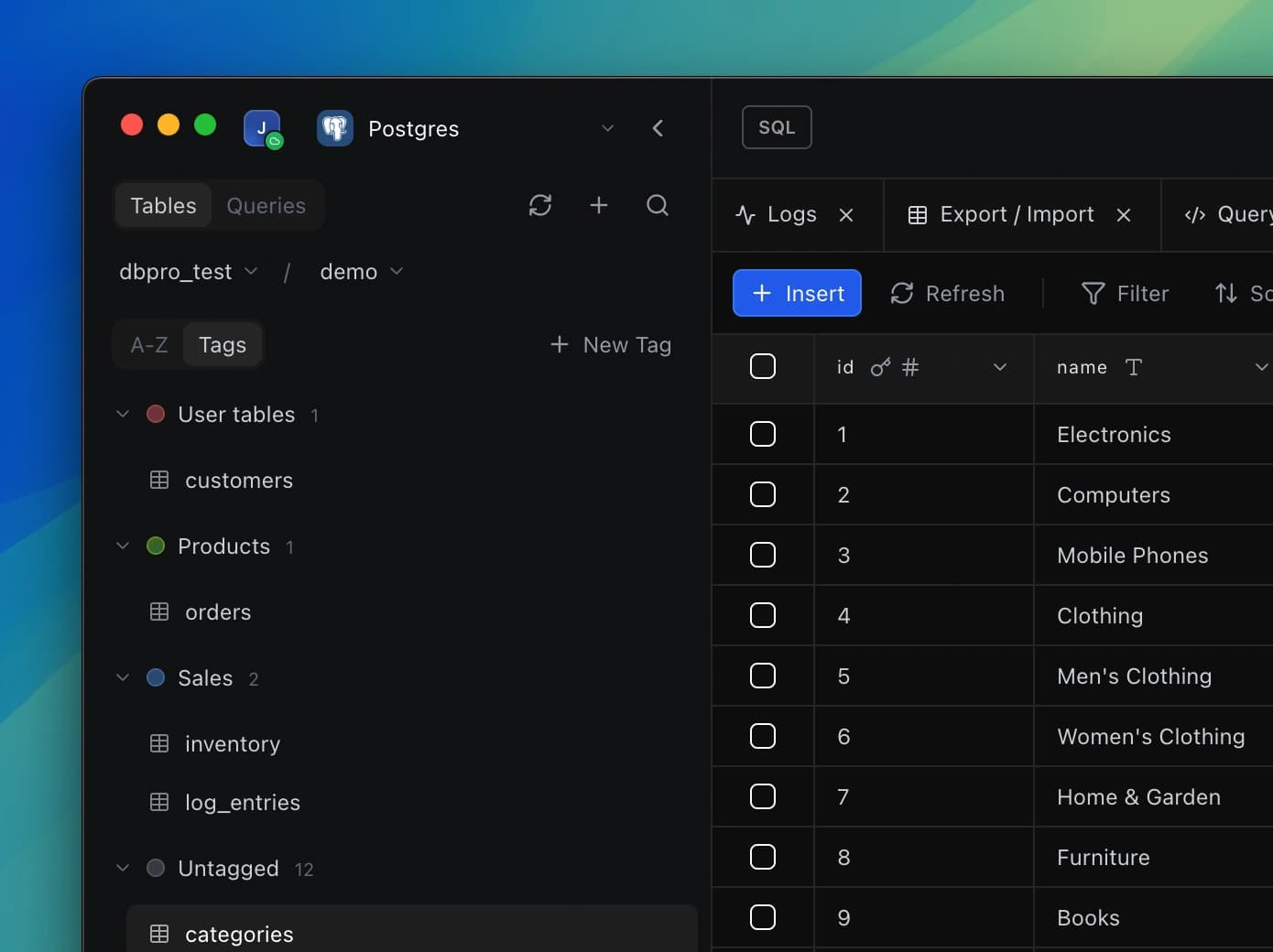
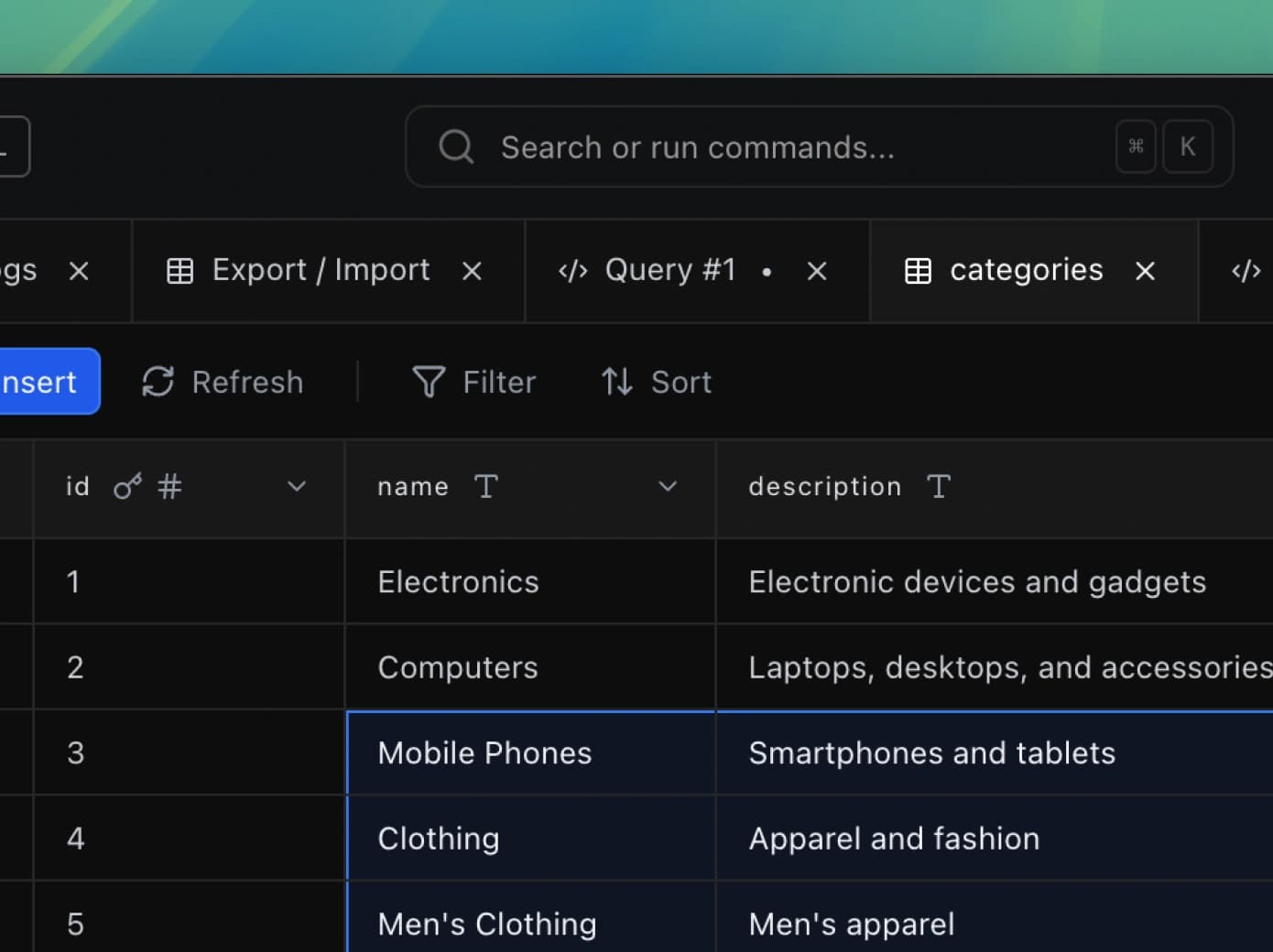
Browse, filter, and edit your data with ease. DB Pro's powerful grid lets you navigate millions of rows, apply filters, sort columns, and make inline edits—all in a fast, responsive interface.
Explore feature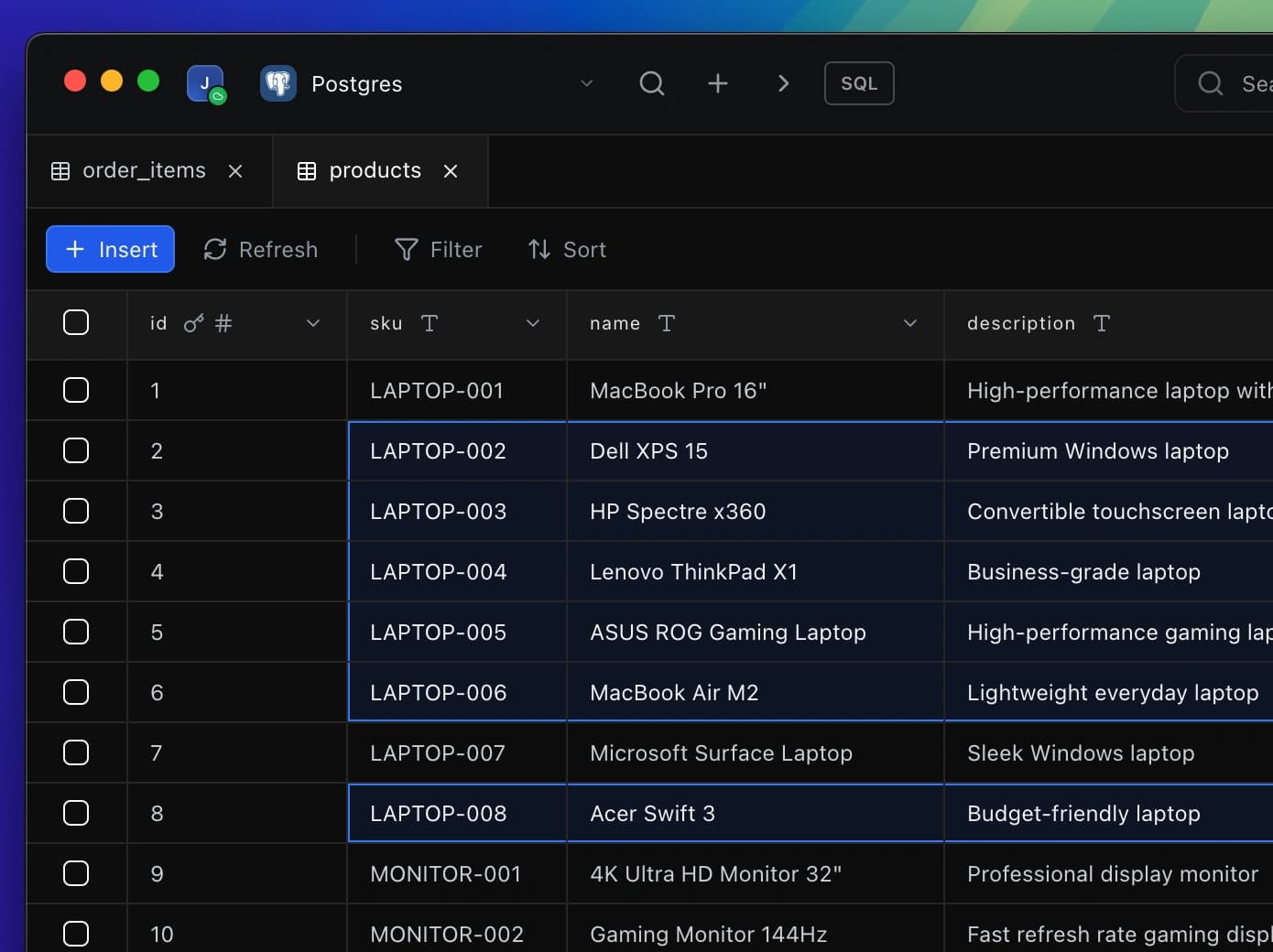
Dashboards
Build custom dashboards to visualize your database data. Create charts, track metrics, and share insights with your team or publicly, all from a single workspace.
Explore feature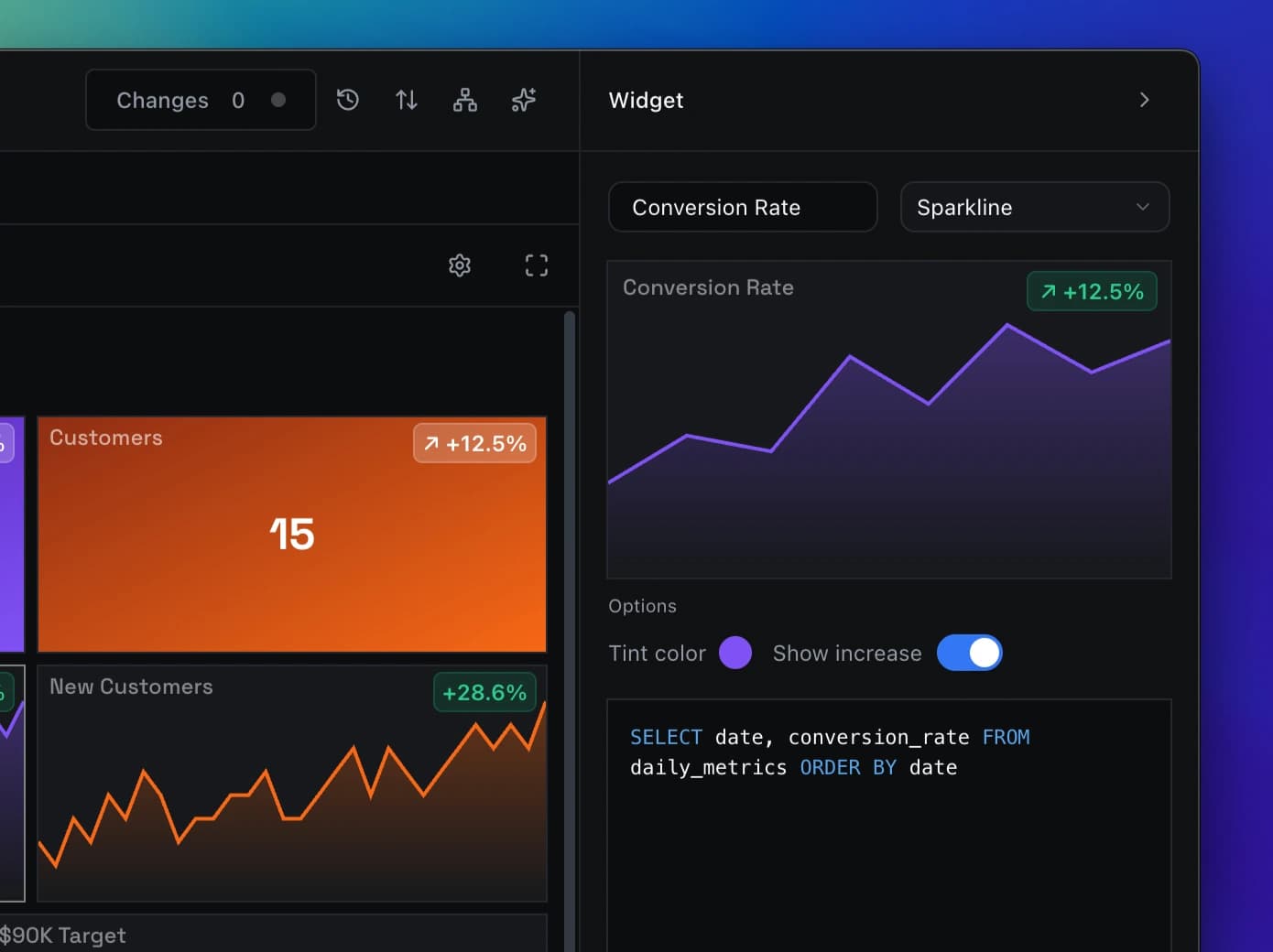
Inspector
Examine any record in detail. The Inspector panel shows all fields, relationships, and metadata for the selected row, making it easy to understand and work with complex data structures.
Explore feature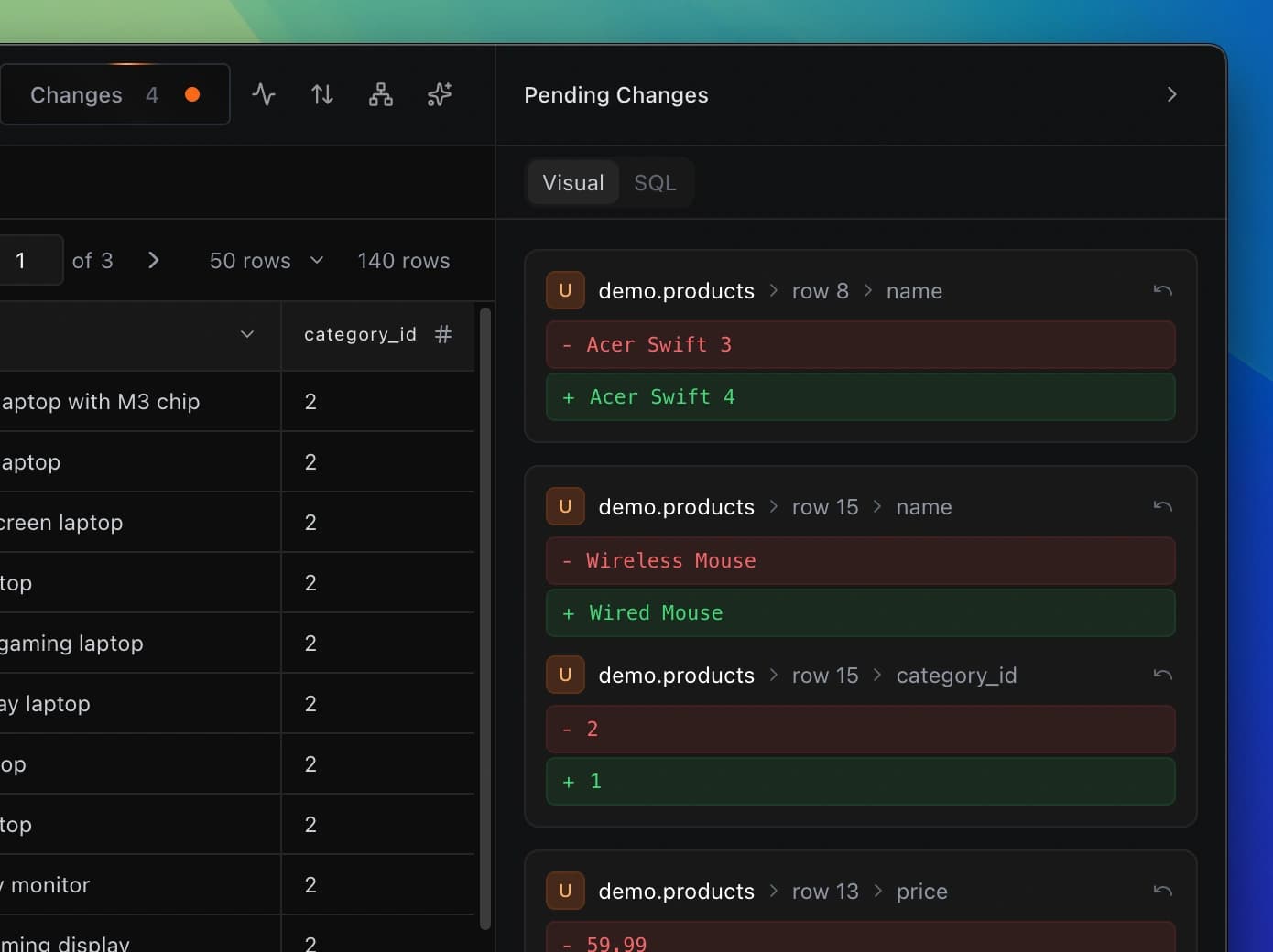
SQL Editor
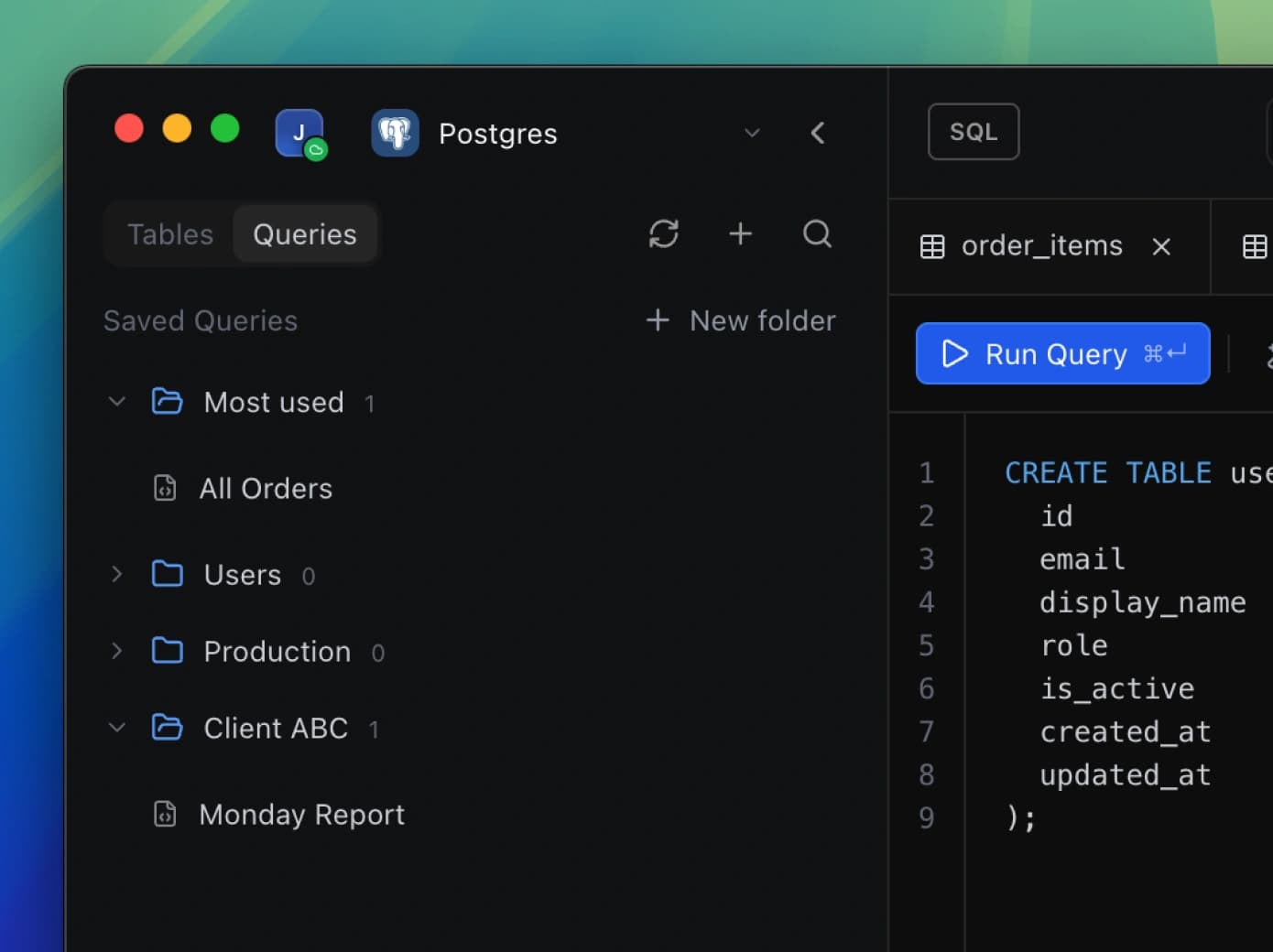
Drop into SQL whenever you need full control. Run custom queries, test ideas, and explore your data with a clean, high-performance editor built from the ground-up.
Explore feature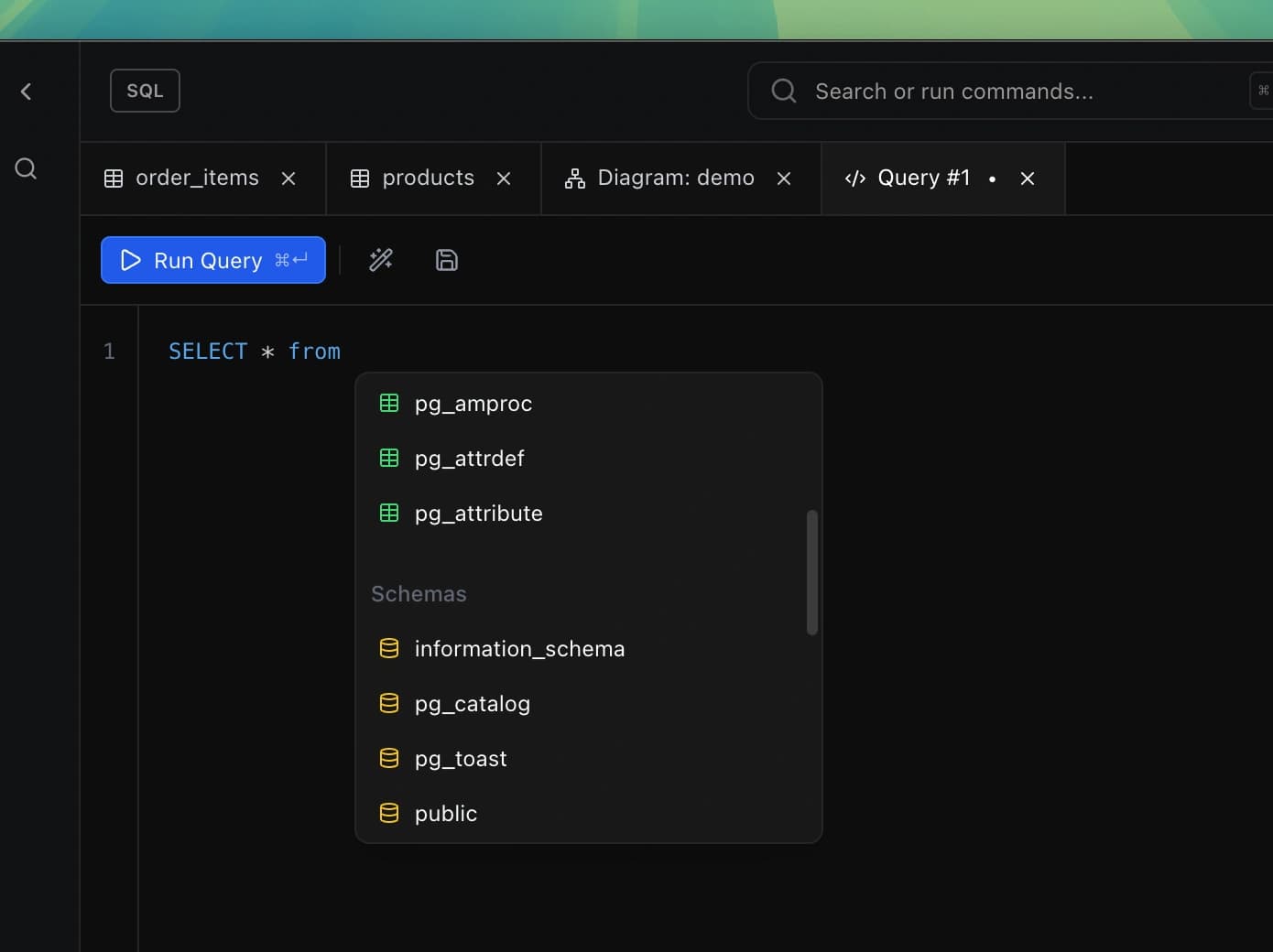
Visual Schema Explorer
Navigate your entire database visually. See tables, relationships, and structure in an interactive map that makes even the largest schemas easy to understand.
Explore feature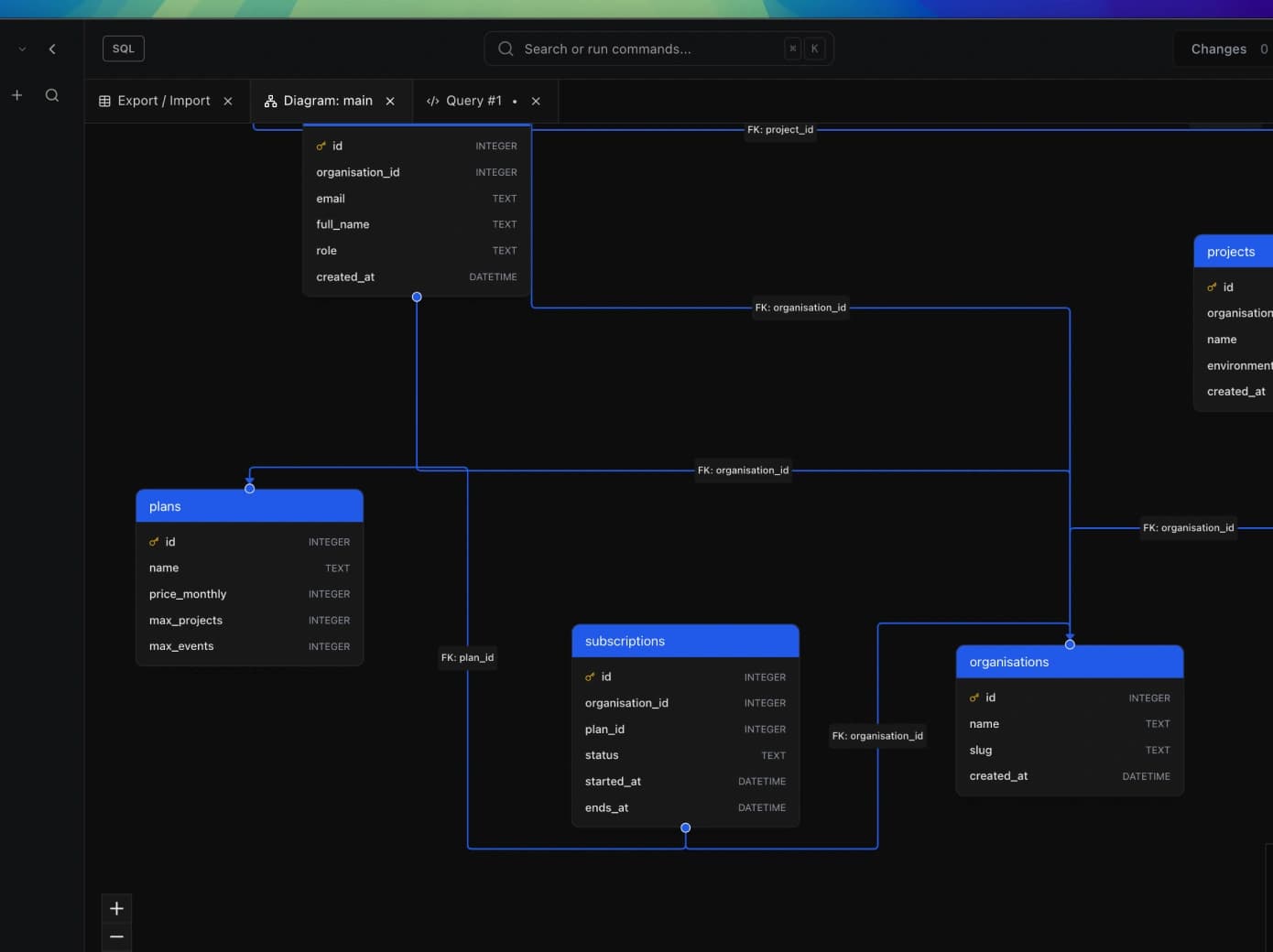
Import / Export
Move data in and out effortlessly. Import from CSV, JSON, and more. Export query results or entire tables in multiple formats with just a few clicks.
Explore feature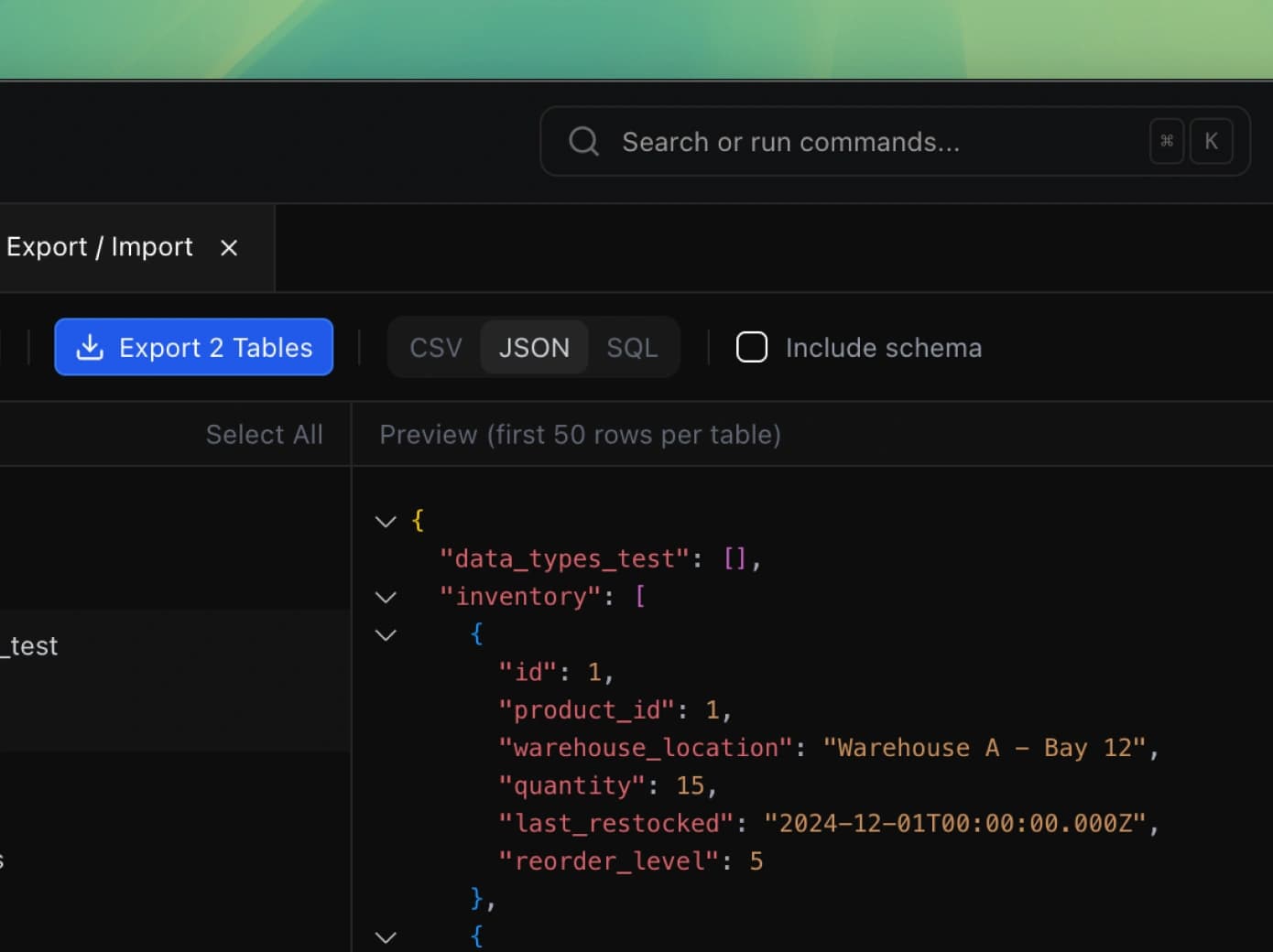
Query History
Every query, saved automatically. Browse your complete history of executed queries, re-run previous commands, and never lose that complex query you wrote last week.
Explore feature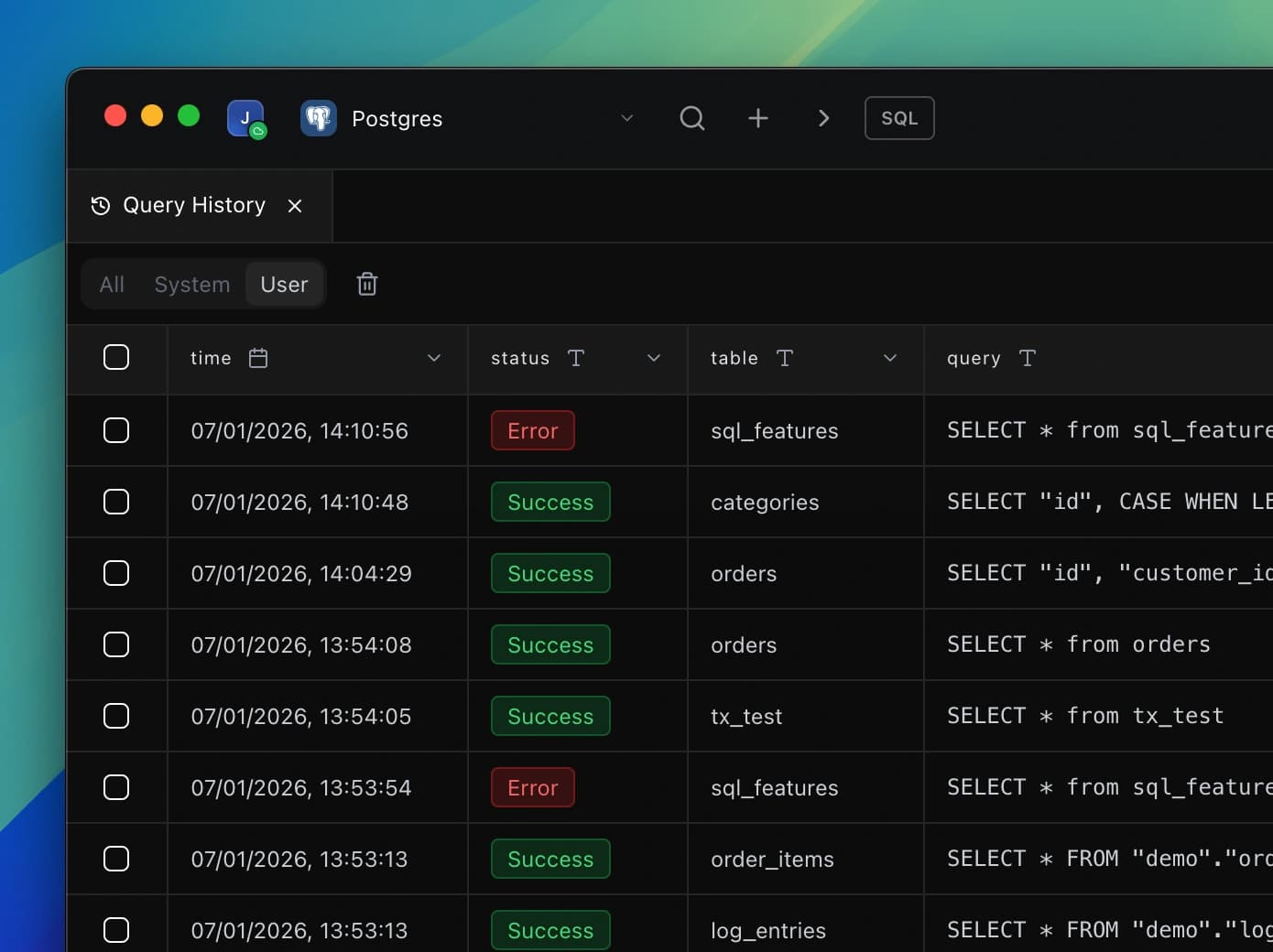
AI
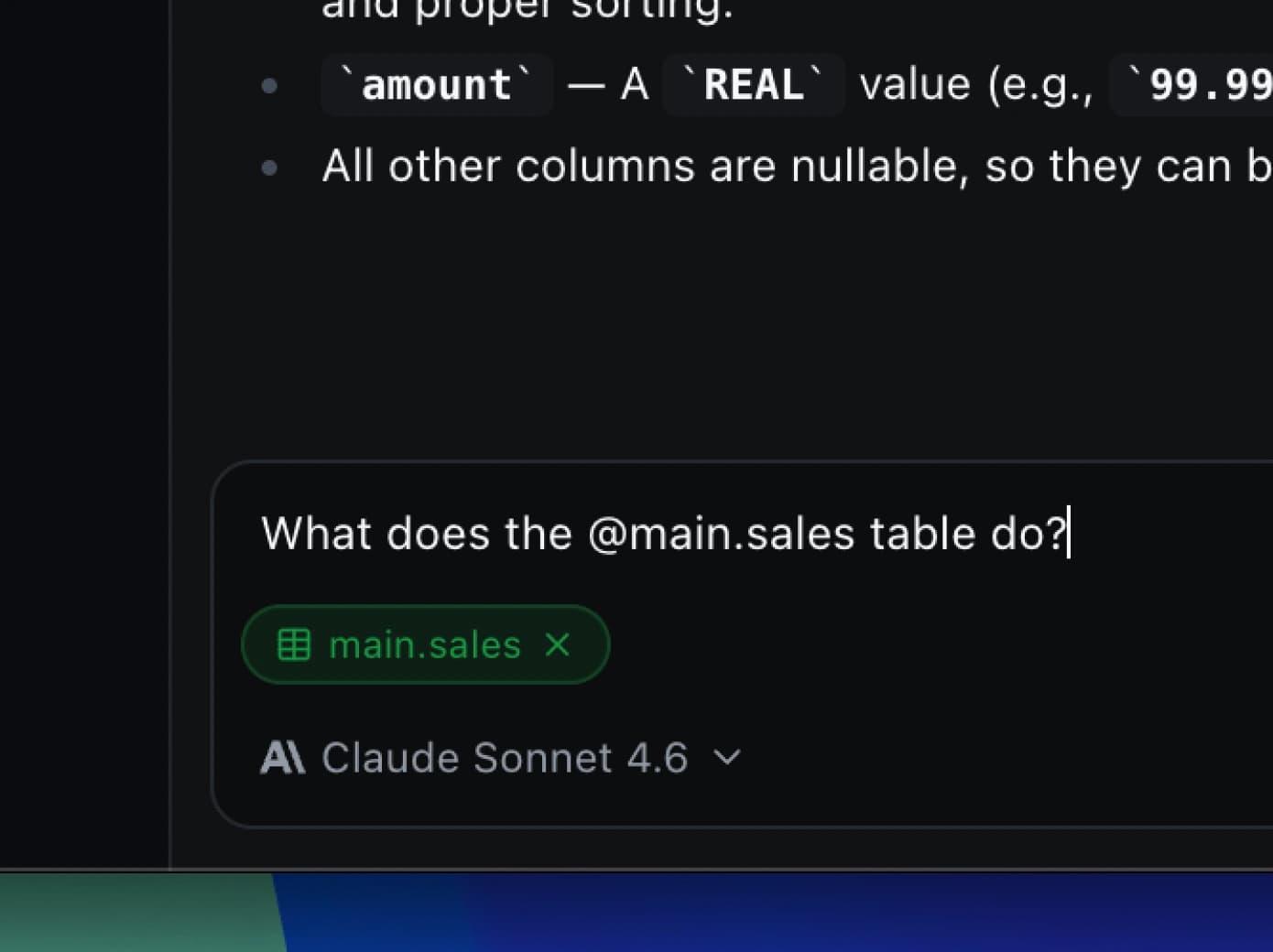
Write queries, generate dashboards, and understand your tables using natural language. DB Pro's built-in AI knows your database structure and helps you work faster. Completely optional, always under your control.
Explore featureWorks with